
Machines, terminals and remote agents
Add other computers over SSH, open real terminals and run agents on them.
Machines ("Boxes") and terminals
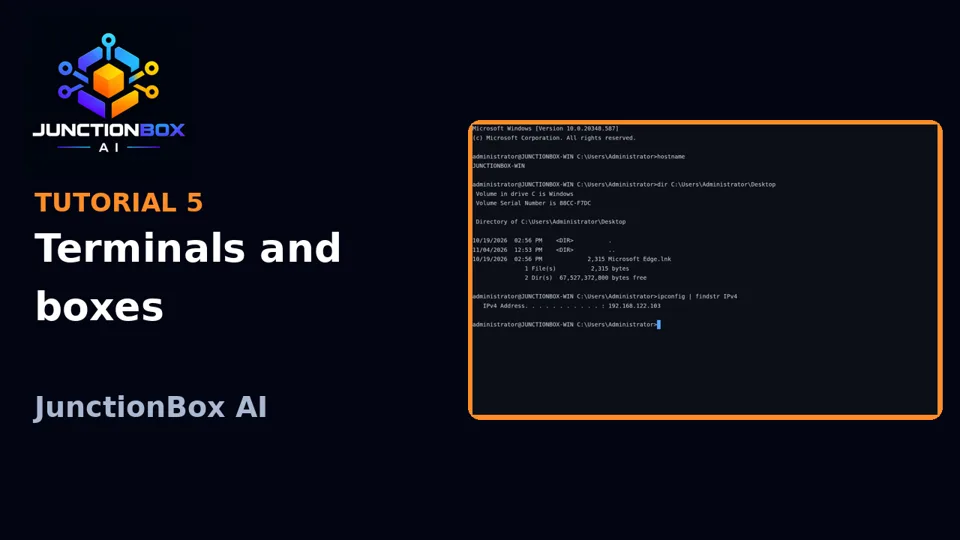
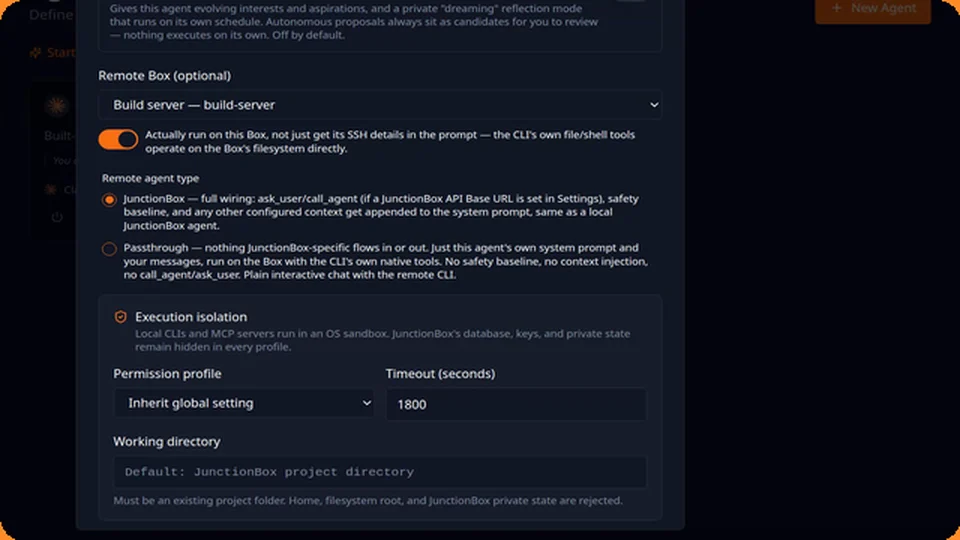
Boxes are machine connection records — this host (seeded automatically) or any remote machine over SSH. From Boxes you can open a real interactive terminal to any configured machine, or set up SSH access with a guided key-generation flow. An agent can be assigned to a box two different ways:
- By default, the agent is just told about the box (connection details in its prompt) and decides for itself whether to SSH there.
- Remote execution (
run_remote_on_box, set per agent) actually moves the agent's own execution onto that box — its filesystem/shell tools genuinely operate there, not a local sandbox.
Windows boxes
Windows targets work the same way, over the same SSH trust boundary, but need one manual one-time step first: Windows doesn't ship its OpenSSH Server turned on by default (only the client). From an elevated PowerShell prompt on the Windows box itself (e.g. over RDP):
Add-WindowsCapability -Online -Name OpenSSH.Server~~~~0.0.1.0
Start-Service sshd
Set-Service -Name sshd -StartupType Automatic
New-NetFirewallRule -Name sshd -DisplayName 'OpenSSH Server (sshd)' -Enabled True -Direction Inbound -Protocol TCP -Action Allow -LocalPort 22
After that, automatic setup in Boxes works exactly like Linux/macOS — pick Windows in the Target OS selector there, use the box's actual local-administrator account (the built-in Administrator account works best), and the guided flow handles the rest. This matters specifically because Windows has no sudo: System Operations' privileged scripts and remote agent execution both need the SSH session itself to already be elevated, which an actual local-administrator account gives you automatically — a regular user account, even one in the Administrators group, may not. Terminal works unmodified (Windows OpenSSH gives a genuine interactive PTY via ConPTY), defaulting to cmd.exe unless you've set the box's own DefaultShell registry value to PowerShell.
Source: USER_GUIDE.md in the public releases repository.