What gets in the way
Cameras are useful, but opening an app for each view interrupts what you are doing.

Checking the door should not mean digging through your phone.
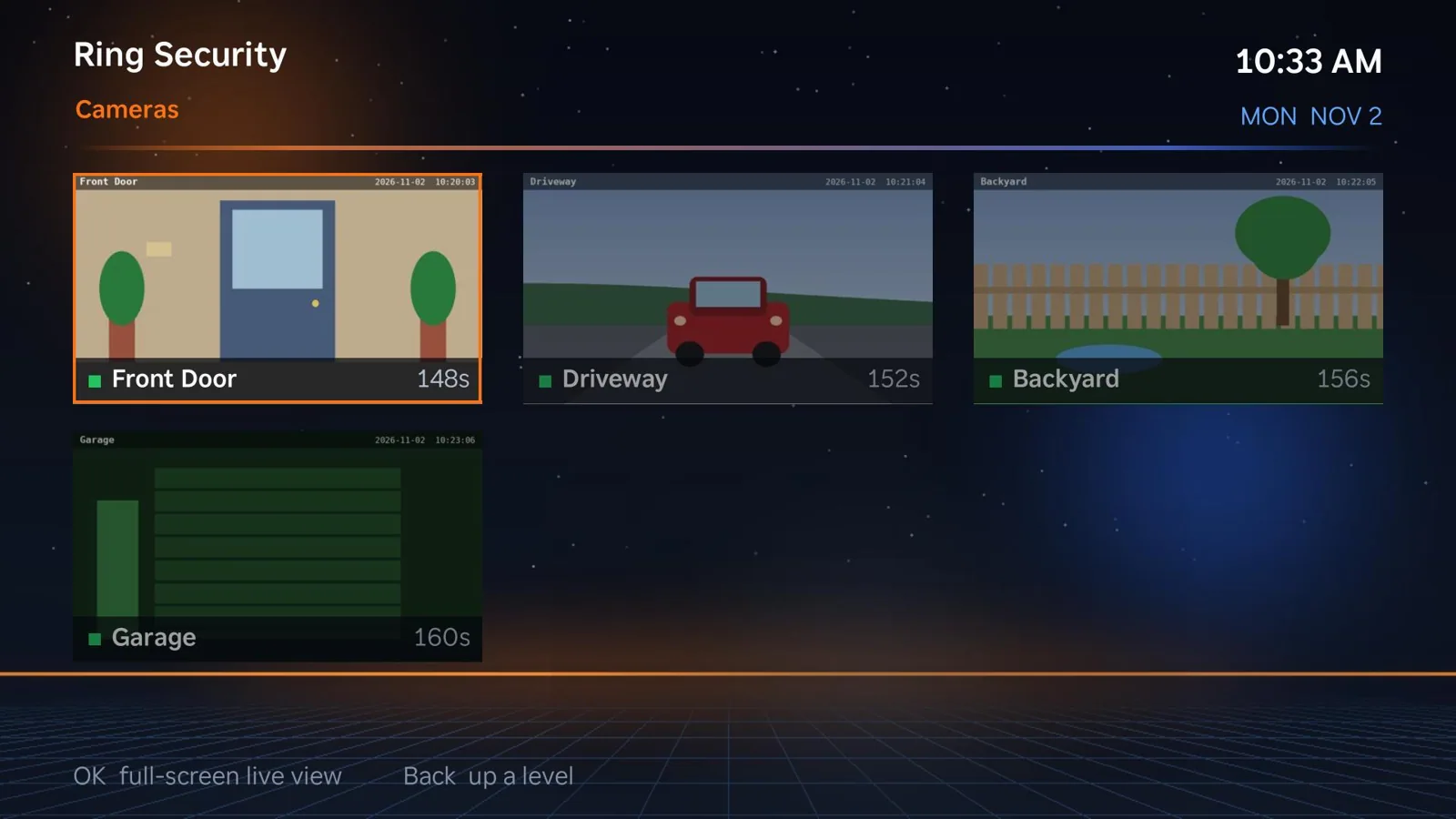
Cameras are useful, but opening an app for each view interrupts what you are doing.
Surface supported Ring camera views through a dedicated TV screen, alongside other home controls.
Designed to make this part of your workflow simpler and more visible.
Use it within the larger JunctionBox experience, not as another disconnected system.
Configure it around the people, tools and tasks that matter to you.
Glance at the front door, driveway and backyard from your television.
Explore what connects next
During a live Ring view on a Roku, press Play/Pause to cycle through picture views: Night green, Night red, Low light, Contrast, Heat map, Edges, Motion map and Motion trails. They are applied on your own computer before the picture reaches the TV.
These views enhance or recolor what the camera sends; they are not real infrared or thermal vision. Ring Security, including picture views, is included in the seven-day trial and then needs JunctionBox Pro ($49/year).
Start with JunctionBox Core, then add the capabilities that fit your workflow.