What gets in the way
One-size-fits-all products either omit the thing you need or become cluttered with tools you do not use.

You should be able to add capabilities without rebuilding the whole platform.

One-size-fits-all products either omit the thing you need or become cluttered with tools you do not use.
Install individual plugins for home control, devices, media creation, engineering workflows and more; use Plugin Builder to scaffold your own.
Designed to make this part of your workflow simpler and more visible.
Use it within the larger JunctionBox experience, not as another disconnected system.
Configure it around the people, tools and tasks that matter to you.
Install only the integrations relevant to your setup—then let your agents access their supported MCP tools.
Explore what connects next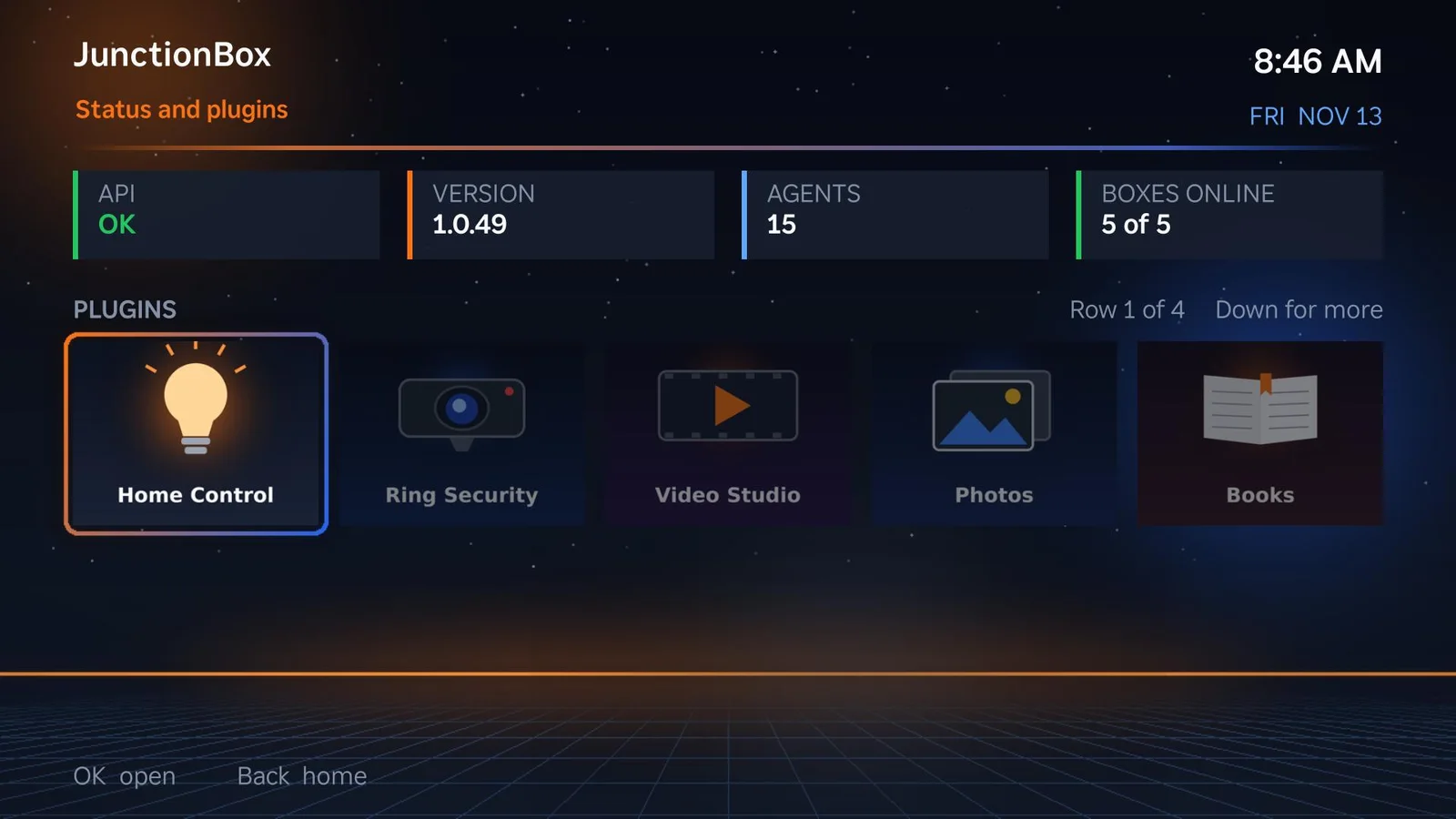
JunctionBox isn't limited to a fixed catalog. Use the built-in Plugin Builder to scaffold your own JunctionBox plugins for the tools and workflows that matter to you.
Off-the-shelf integrations rarely cover every custom service, device or business process.
Generate a plugin starting structure, then customize its frontend, backend and integrations for your use case.
Keep new functionality inside JunctionBox rather than juggling a separate dashboard or tool.
The release documentation describes 32 named plugin entries spanning home, research, automation, media, messaging, cloud tools and creative work.
Explore the full plugin catalog →Start with JunctionBox Core, then add the capabilities that fit your workflow.