What gets in the way
Which model fits my computer? Will it use the graphics card or crawl on the processor? Can it use tools without making things up? Most people find out by downloading gigabytes and guessing.

Free models, measured honestly, on the computers you already own.
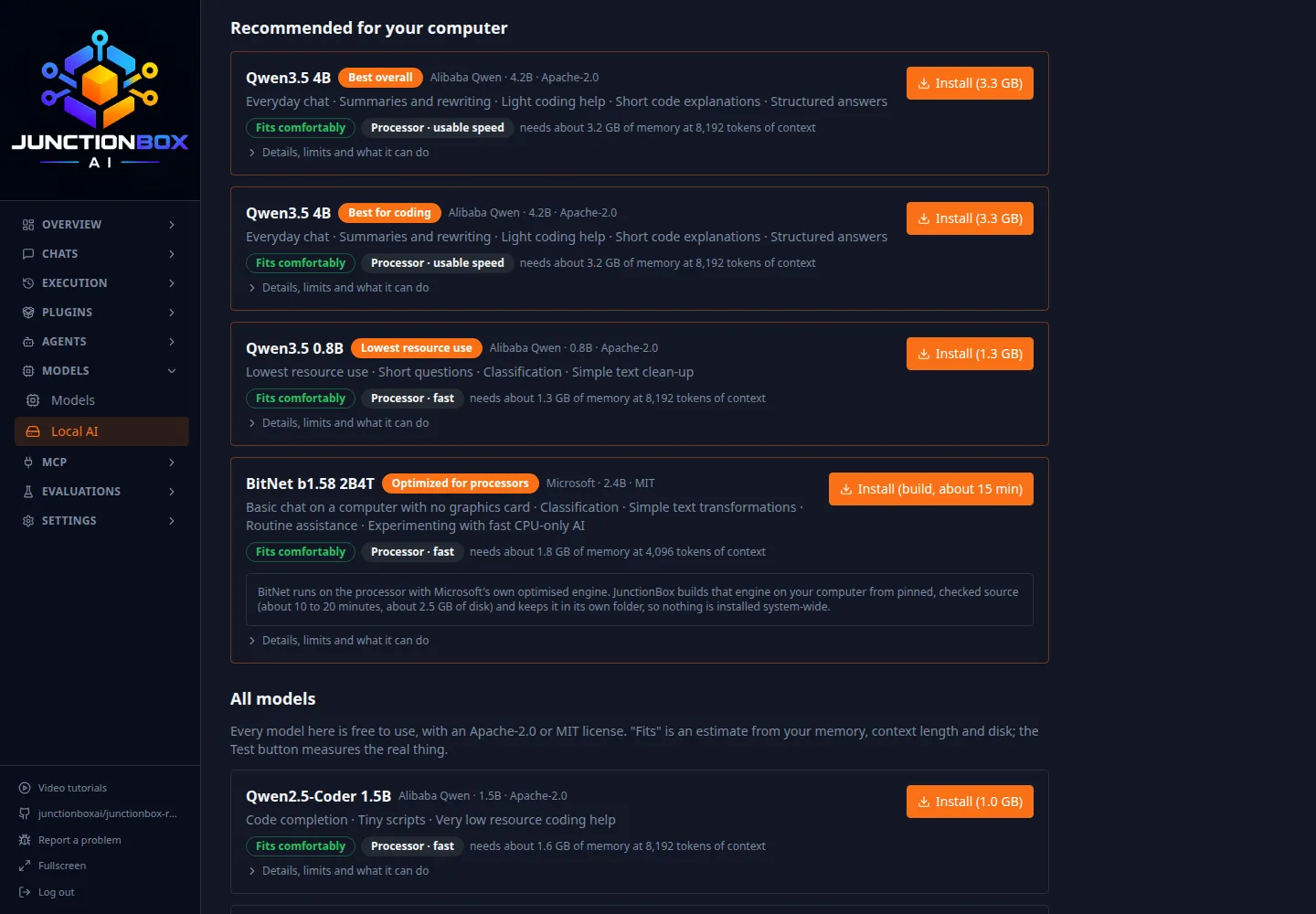
Which model fits my computer? Will it use the graphics card or crawl on the processor? Can it use tools without making things up? Most people find out by downloading gigabytes and guessing.
JunctionBox reads your hardware, recommends models that really fit, installs them with verified downloads, and then measures what each one can actually do on your machine before you rely on it.
A scan of your processor, memory, graphics card and disk gives honest recommendations. If something can't be measured, it says so instead of guessing.
A built-in benchmark of 53 short graded tasks shows, per skill, whether a model is recommended on your computer: chat, small coding jobs, structured output, tool use.
Models use permissive licenses and need no account. Once installed they work with no internet, and local-only mode refuses any agent that would use a cloud service.
Small models fail at tools in boring ways: they write the call as text, call a tool they shouldn't, or invent an email address. Guardrails force valid calls, limit them to the tools the agent is allowed, check the arguments, and turn invented values into a question to you. On the built-in benchmark, small models went from failing tool use to passing it. Off by default; on for Local AI agents.
Send each kind of task to the cheapest agent that has passed the benchmark for it, with automatic fallback. Fixed rules you set, not a model deciding. Cloud agents are never used without your approval of that exact task, and every skip comes with a reason.
Scan a Linux or Mac Box over SSH, watch its memory, run models there on its hardware, benchmark them, and create agents on them. Nothing on the Box is opened to the network: JunctionBox reaches it through an SSH connection that listens only on your computer.
Routing is off until you turn it on. For each kind of task you choose the agents and their order, whether cloud agents are never, ask-each-time or allowed, and whether models that haven't been benchmarked are acceptable. The Why? button explains every decision. The log records which agent ran and how long, never your prompt or the answer.
How routing decides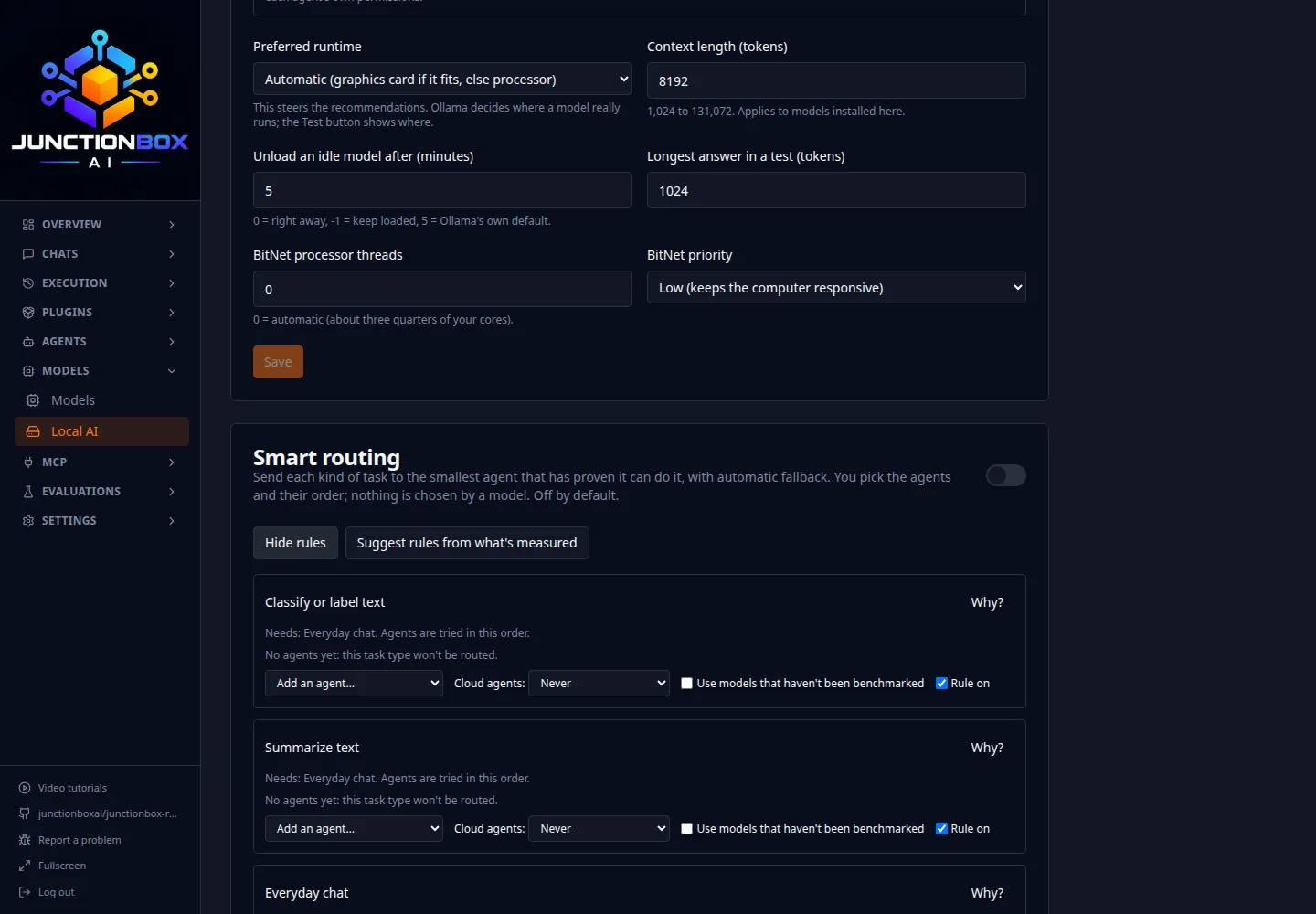
Chat, short summaries, rewriting, simple questions and small bits of code. They make mistakes a large model wouldn't and are unreliable at long multi-step work. For serious coding or research, use a stronger agent such as Claude or Codex; JunctionBox lets you mix both.
Linux and Mac Boxes only (a Windows Box isn't supported yet). The model recommendations haven't been run on NVIDIA, AMD or Apple graphics hardware by us. Local agents count toward the two active agents on the Free plan; Pro is unlimited.
Local AI is part of JunctionBox Core. Scan your hardware in one click.