Roku TVs & Roku streaming players
Native sideloaded Roku channel in developer mode. Choose installed channels as tiles; launcher can return after you exit another app.
Roku uses one developer sideload slot.
Turn the biggest screen in your home into the place for streaming, smart-home controls, AI agents, cameras, music, family photos, books, weather, and games. Built to work with your own JunctionBox computer.
The launcher itself is free. Advanced AI, terminal and screen-sharing screens, and Ring Security, unlock during the seven-day trial or with JunctionBox Pro at $49/year.
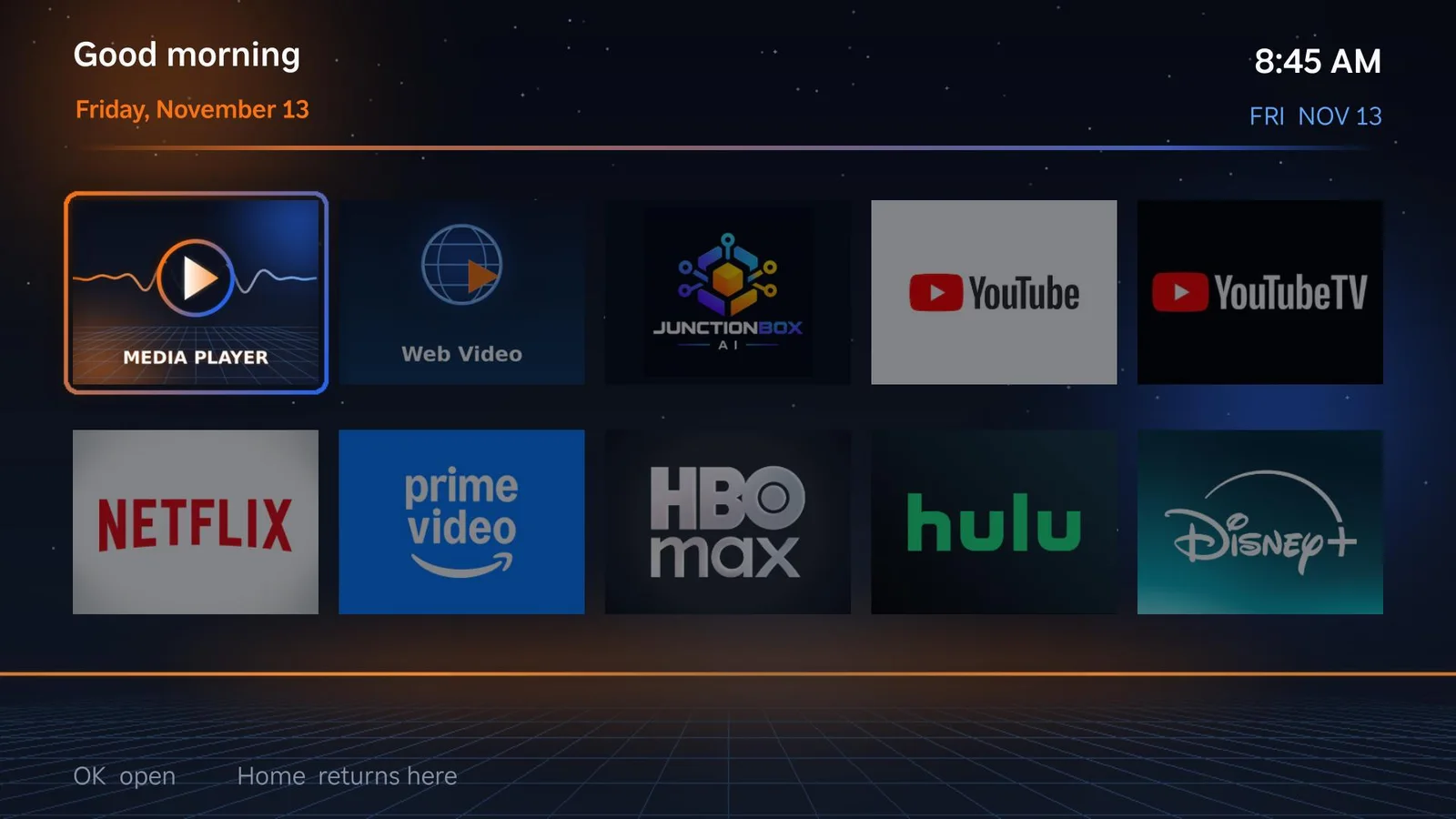
Bring a consistent, customizable JunctionBox experience to the TVs you already own, without buying a new smart-home hub.
Native sideloaded Roku channel in developer mode. Choose installed channels as tiles; launcher can return after you exit another app.
Roku uses one developer sideload slot.Install the Android shell, configure the apps already on your TV, and optionally make JunctionBox your Home screen.
Some TVs impose Home-button restrictions; launcher remains available as an app.Android TV devices use the supported Android TV / Google TV app experience, including remote-friendly navigation.
Enable wireless debugging during installation.Fire OS 7+ devices can run the launcher with app tiles and an automatic return to the JunctionBox screen.
Fire TV support was tested with a stand-in, not yet physically validated on a Fire TV; Amazon does not permit third-party Home replacement.Information lives on your phone, home controls live in another app, photos sit on a computer, and AI tools usually require a keyboard. JunctionBox puts useful experiences on the same screen the household already knows.
Apps, information and connected tools from one familiar home screen.
See and operate permitted home devices and computers from the couch.
Keep the free launcher and everyday TV tools, even after the full-access trial ends.
From family moments and original games to the advanced agent control center, here is what each feature actually solves for you.
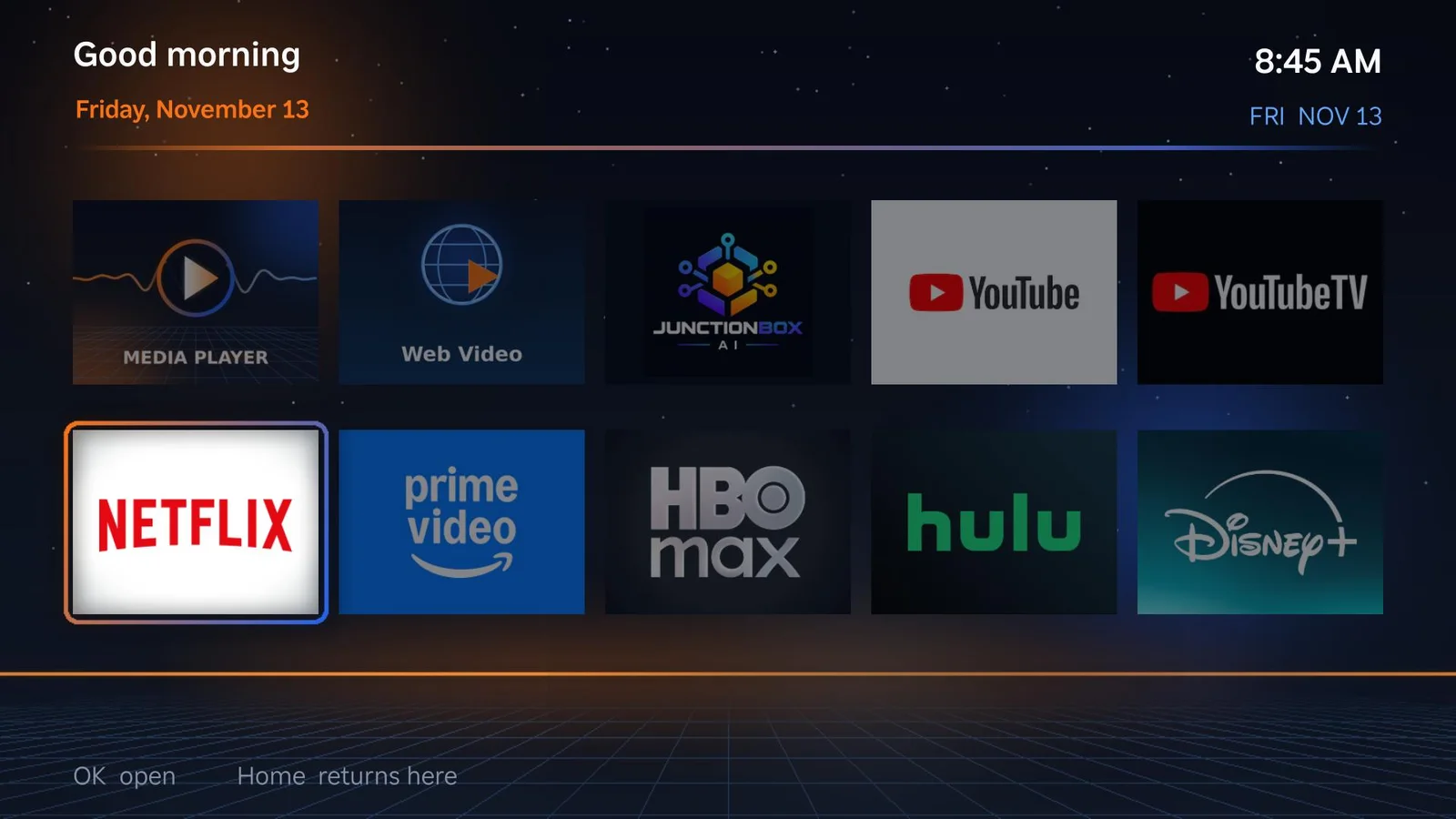
Stop hunting through menus and put installed Roku, Google TV or Fire TV apps in your preferred order, with artwork taken from the device.
Explore feature →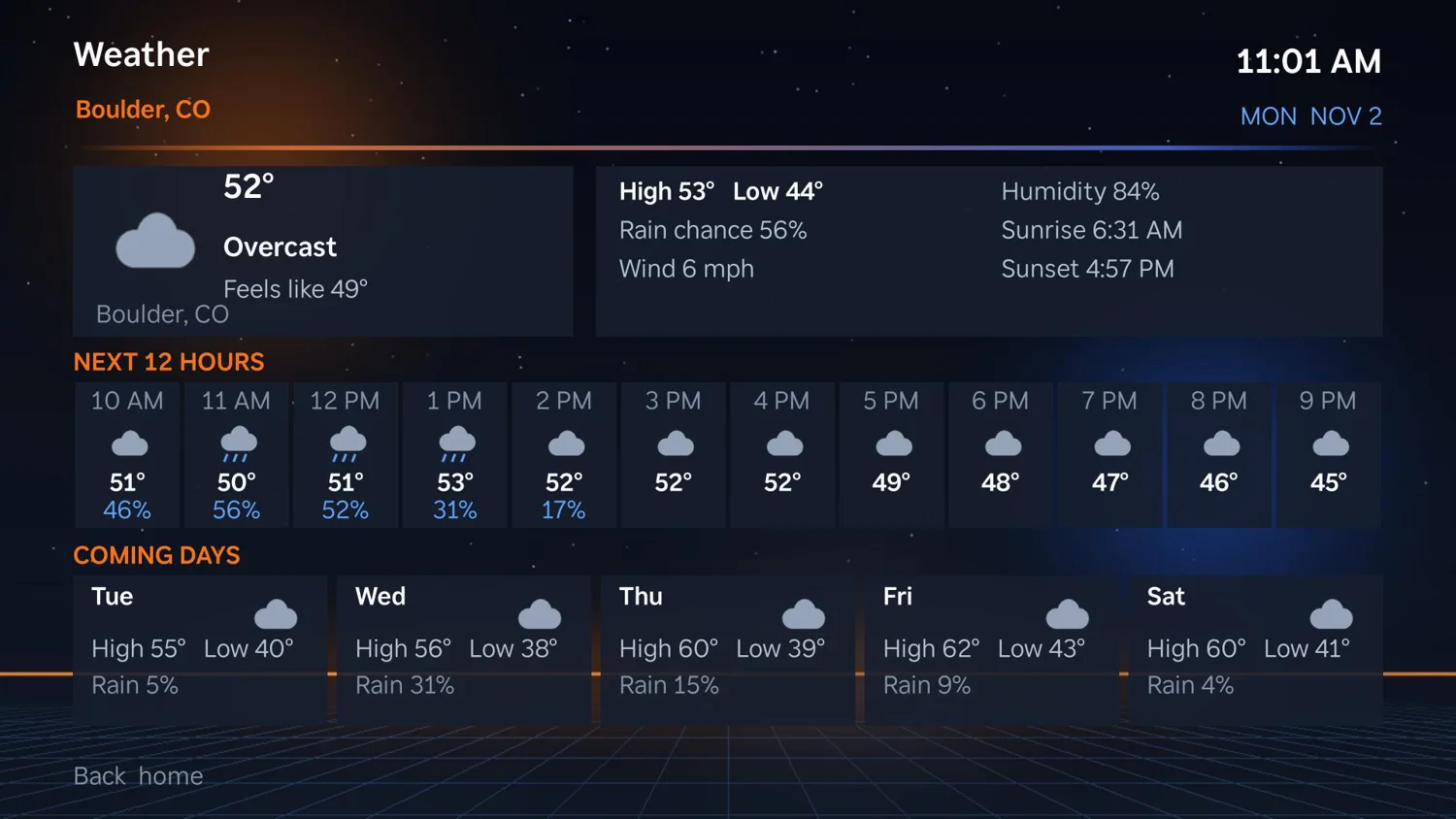
See conditions and forecasts right on the home screen; choose your location and the quotes that appear below your tiles.
Explore feature →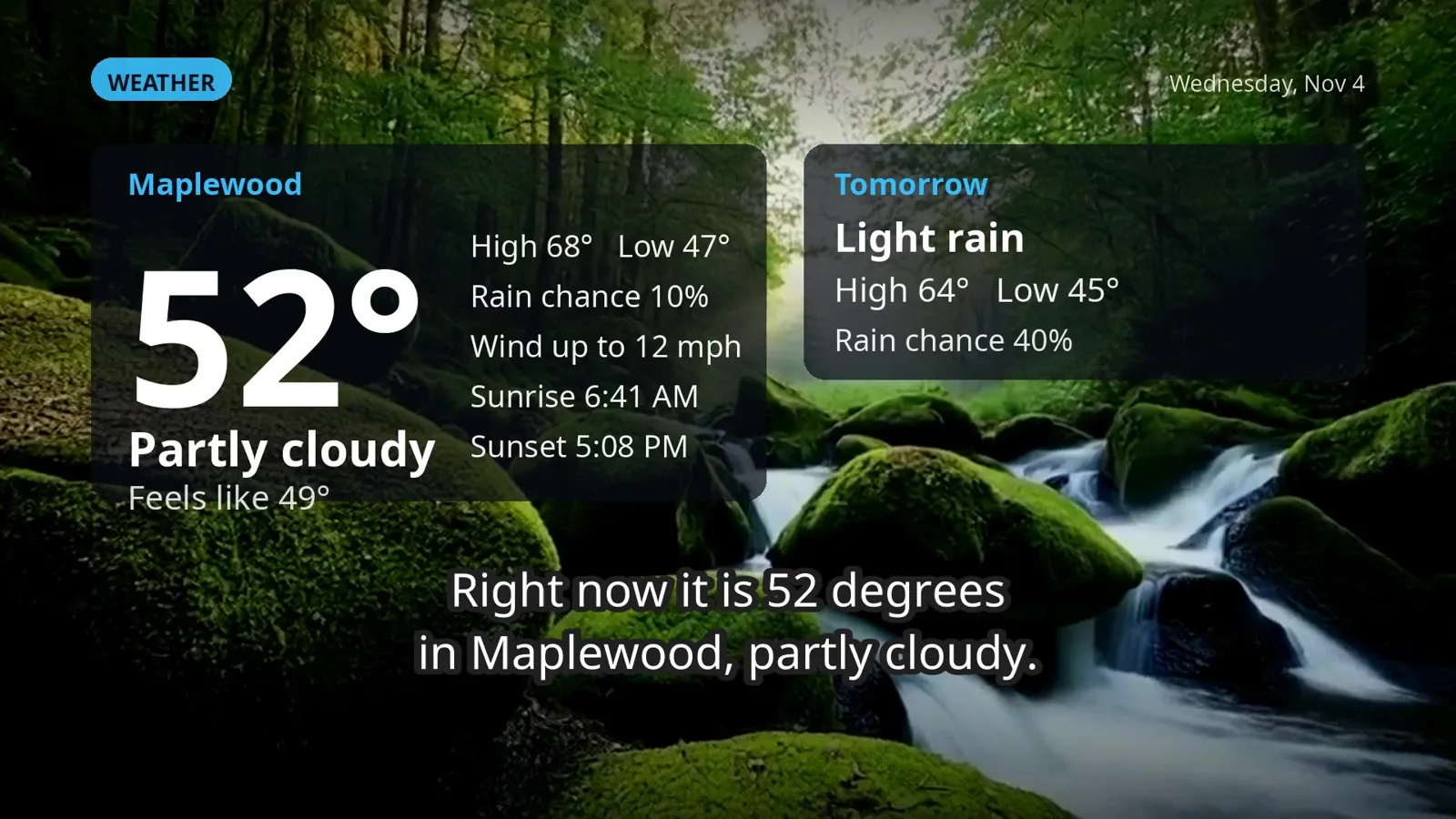
Start your day with a narrated video: weather and alerts, calendar, world and technology news, scripture and markets. Choose its sections and playback settings.
Explore feature →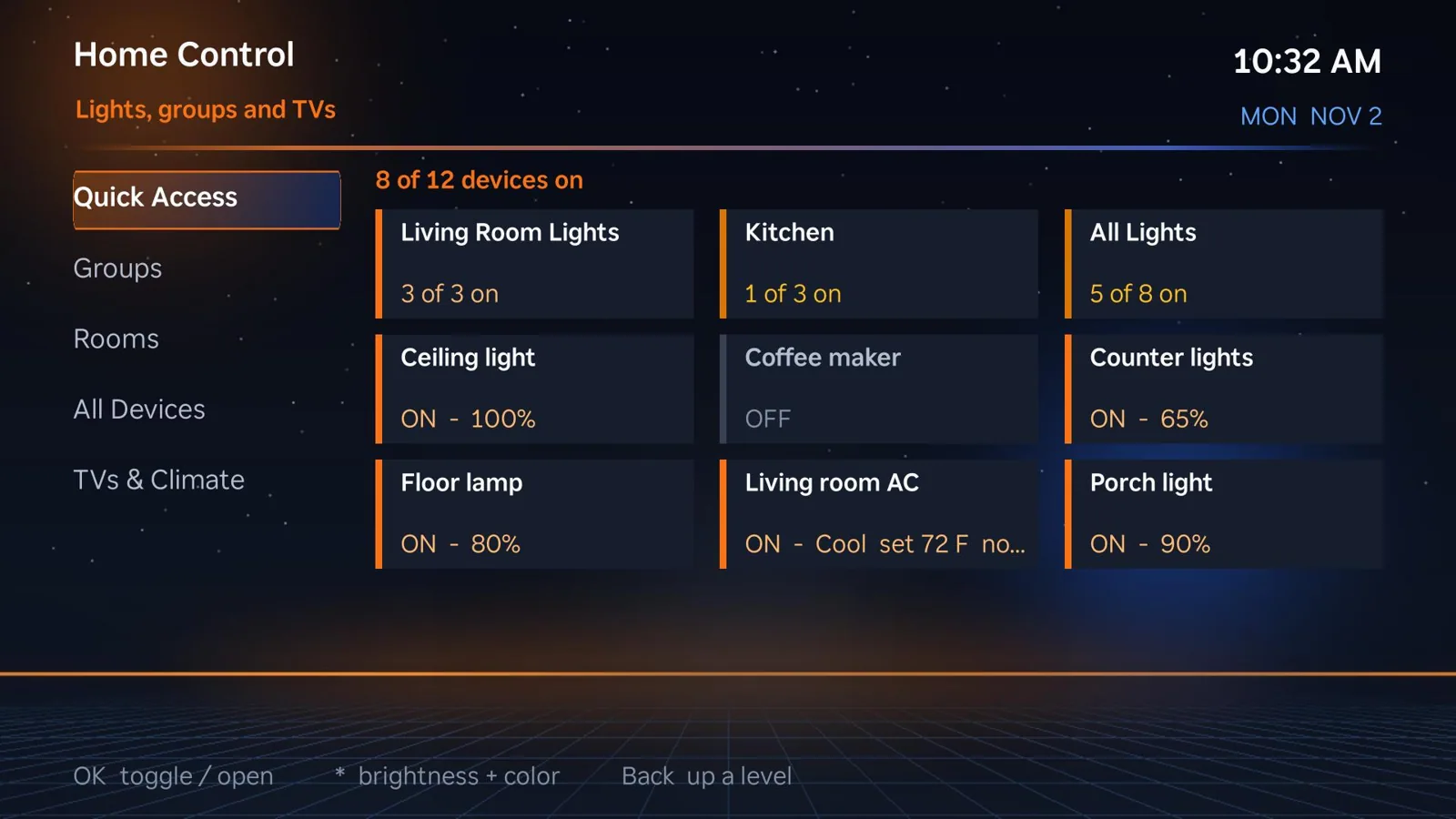
Make the TV your smart-home remote: lights, groups, rooms, televisions, climate and quick actions in one layout.
Explore feature →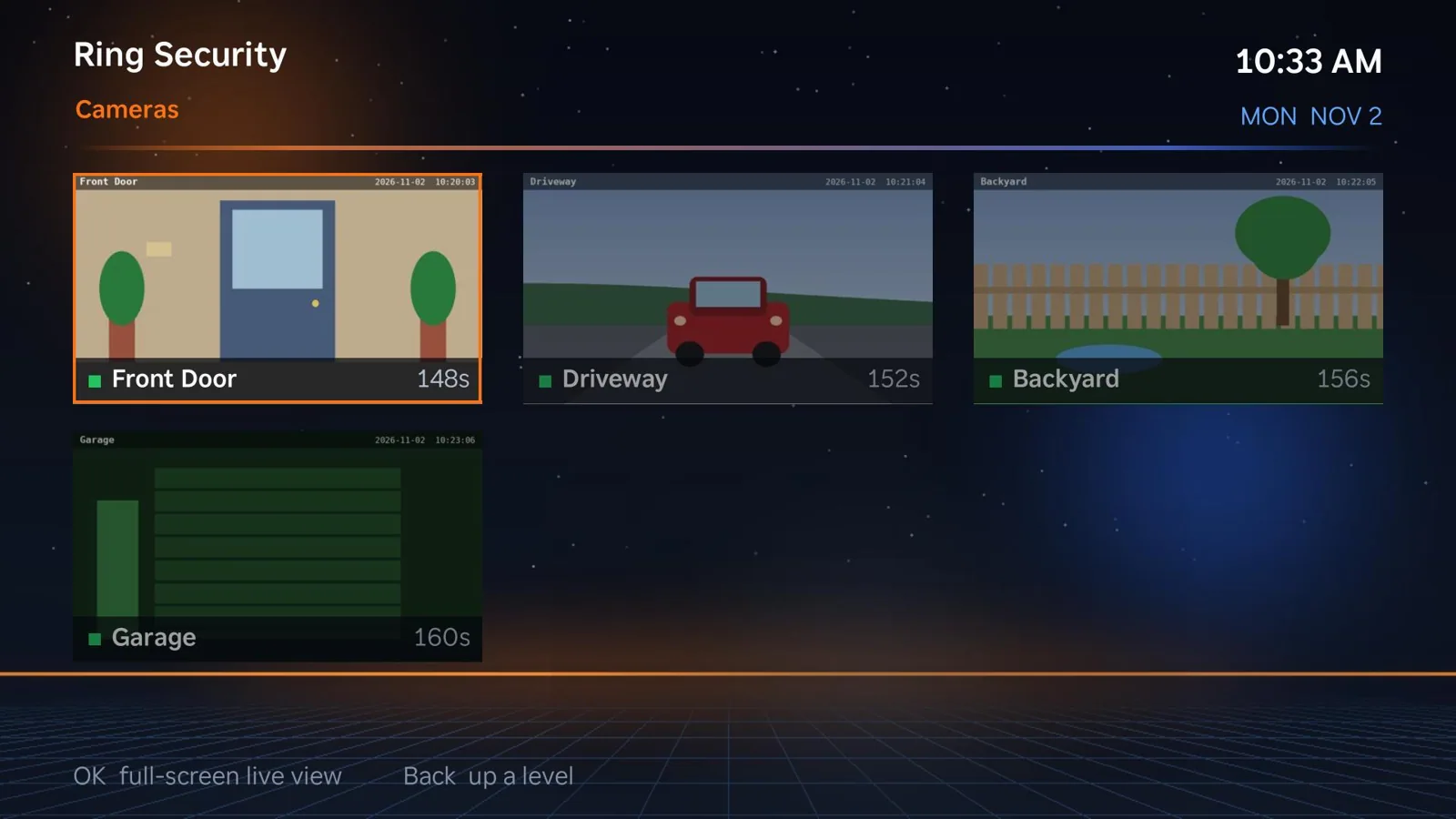
See supported Ring camera feeds and related home security views from the couch when the Ring plugin and dependencies are configured.
Explore feature →
Open independent, persistent coding-agent terminals on your TV. Choose permission modes, use remote or keyboard shortcuts, and resume sessions later.
Explore feature →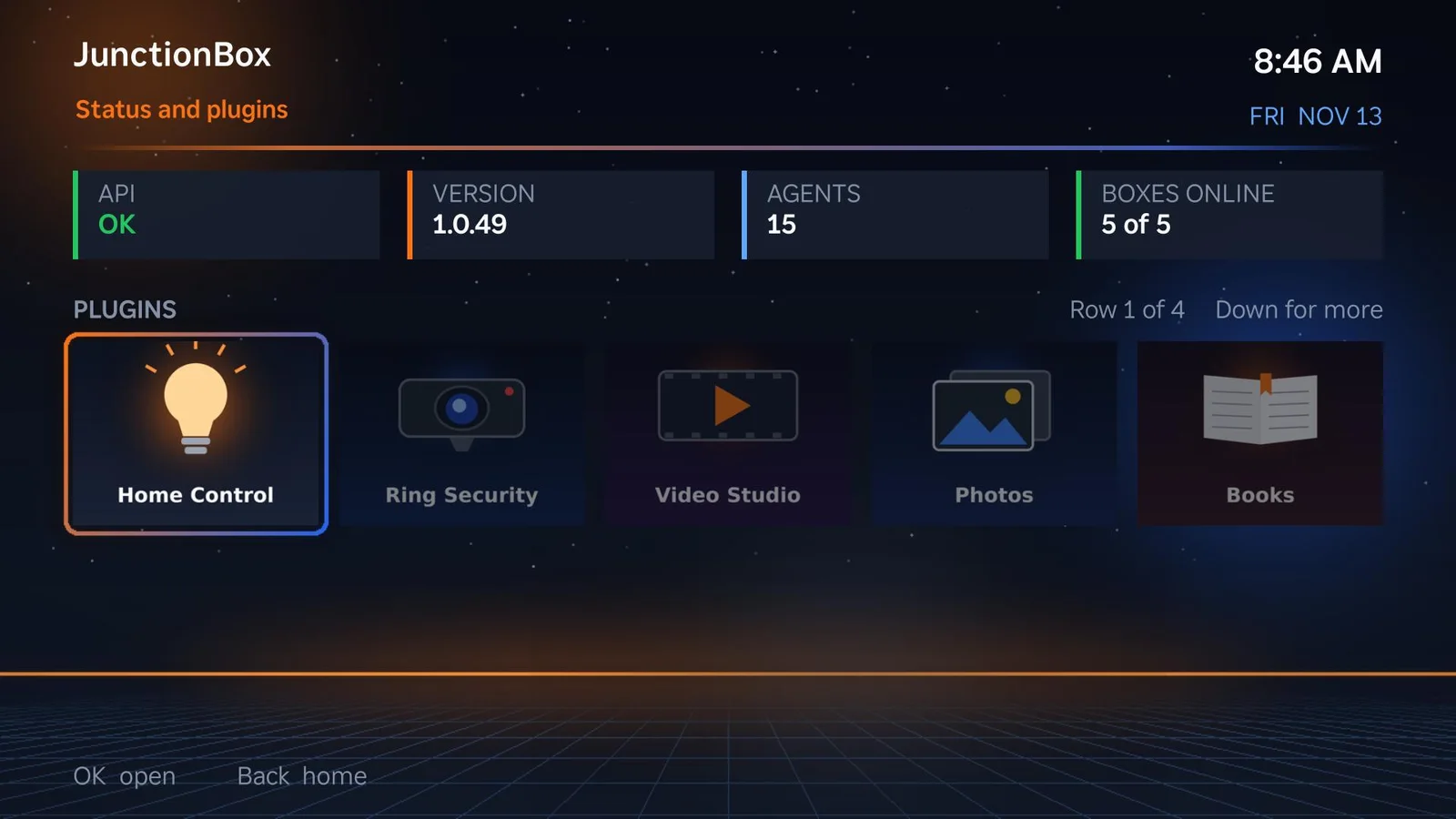
Chat with any configured JunctionBox agent from the TV, review previous chats and recent runs, and handle approvals without leaving the living room.
Explore feature →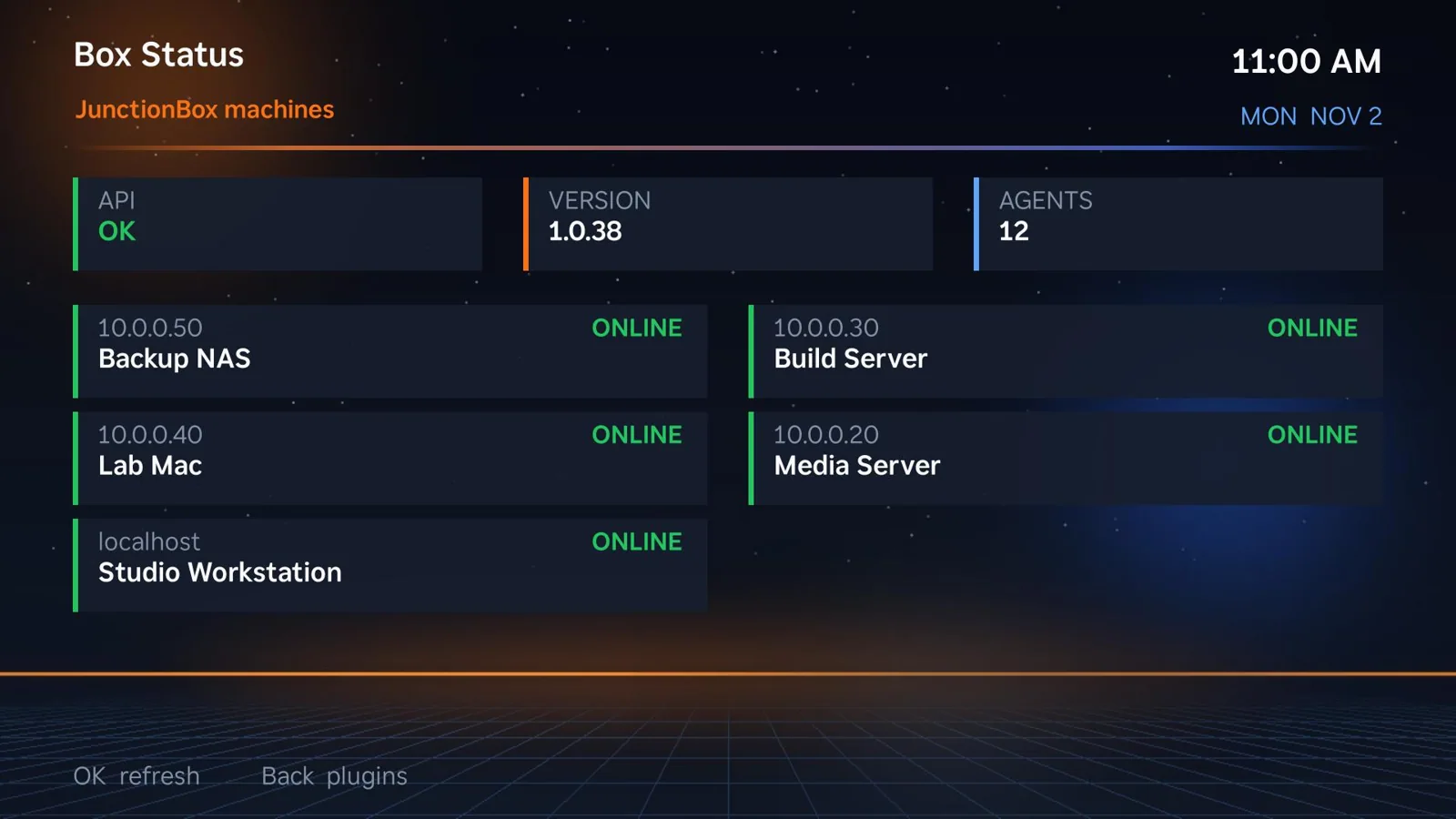
Select a computer connected to JunctionBox and open a PIN-protected shell; leave long-running sessions active and return to them later.
Explore feature →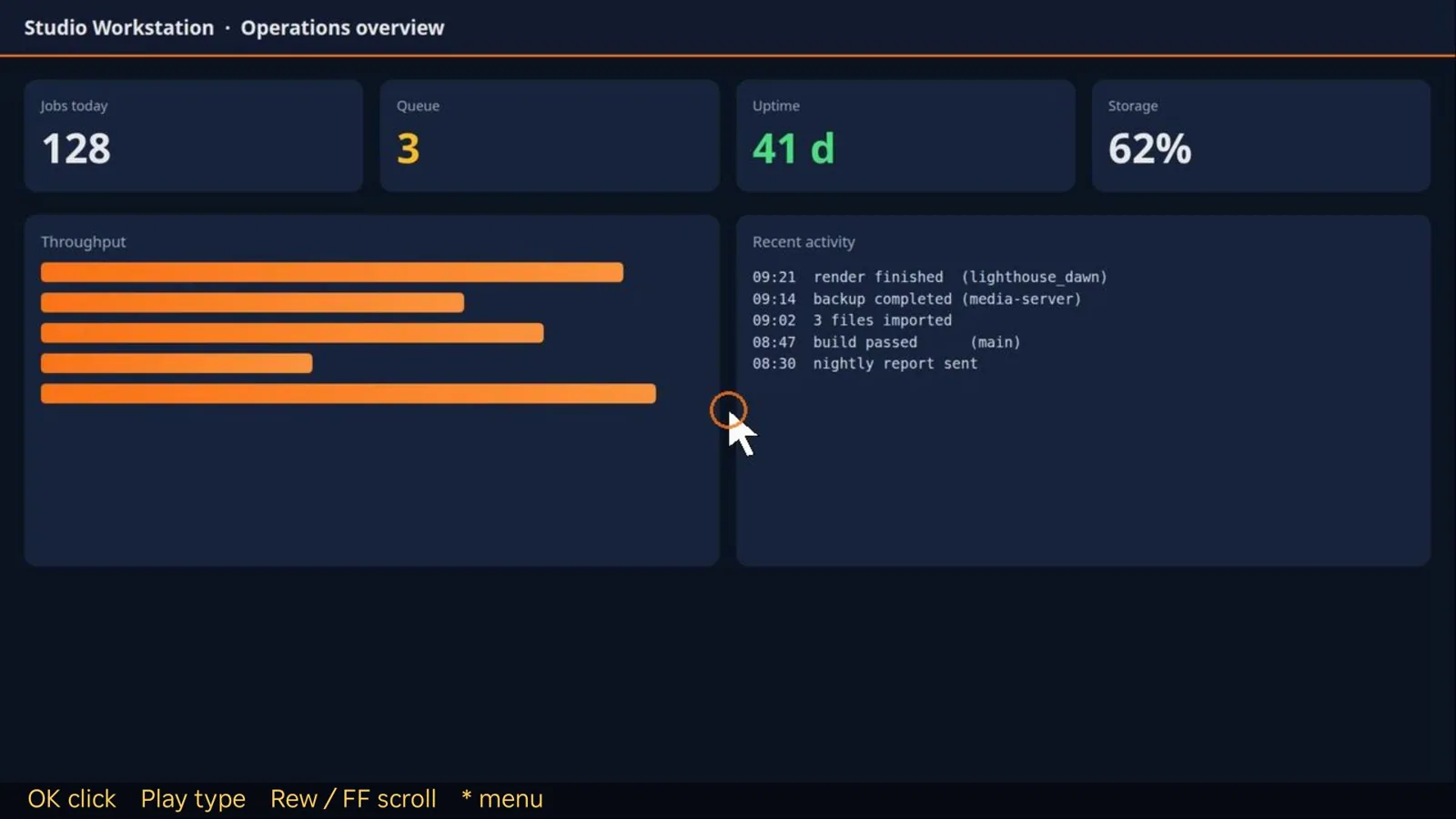
See a computer desktop on your TV and steer its pointer with the remote. Zoom, type, click and navigate without walking back to the desk.
Explore feature →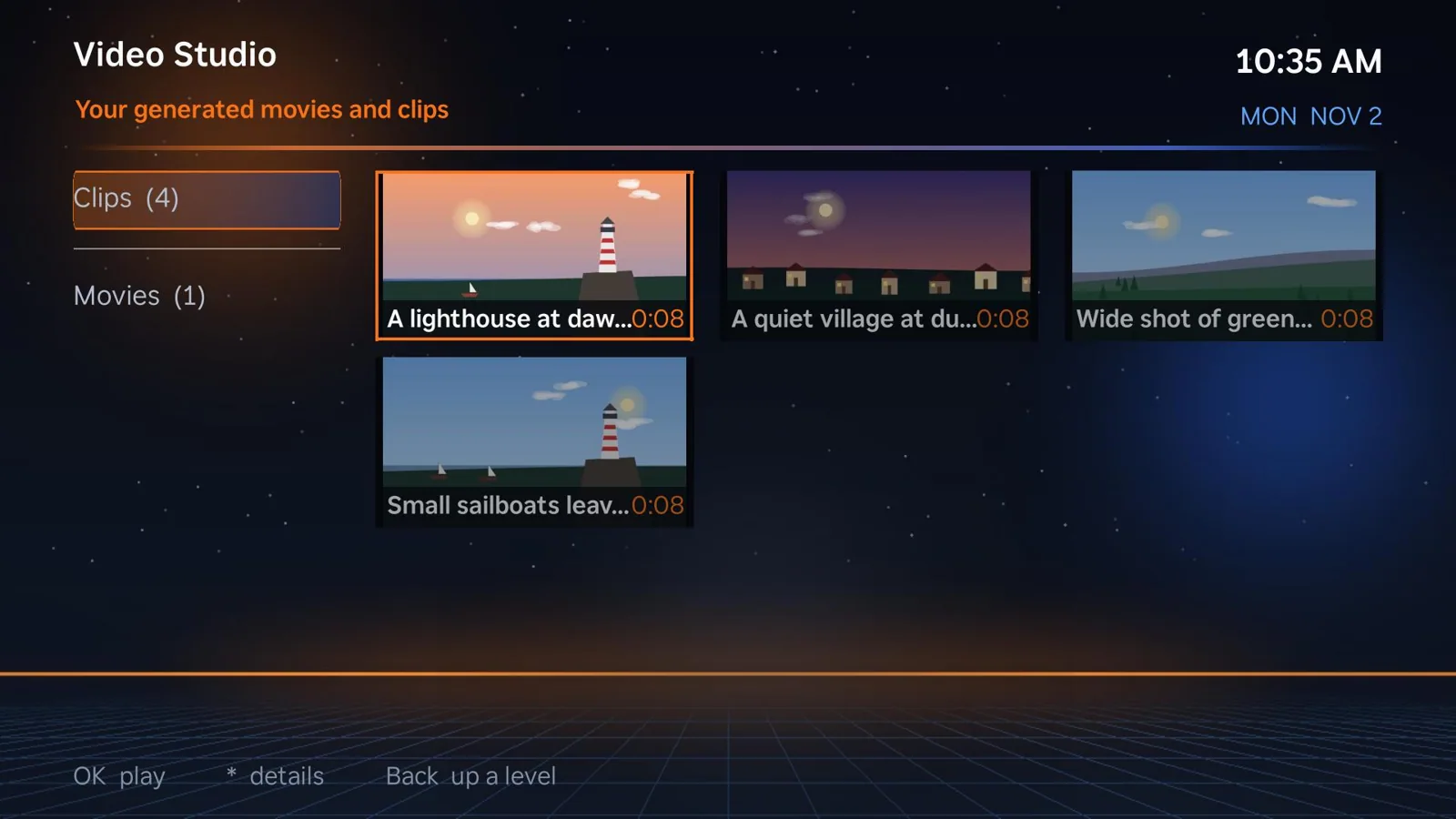
Browse AI-generated clips, direct multi-shot movies from the TV, review and approve takes, and watch completed movies.
Explore feature →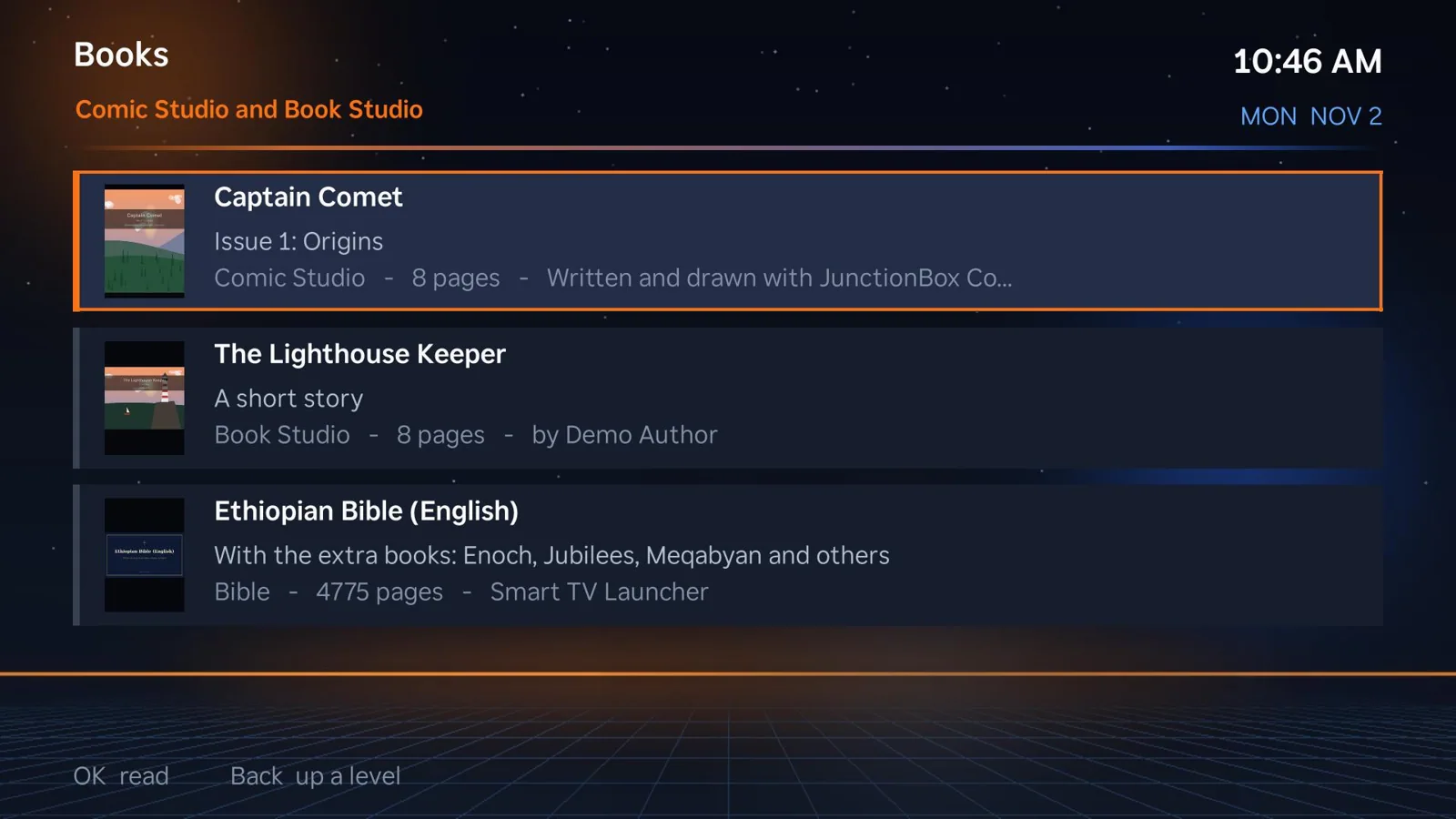
Read personal books, comics and seven included public-domain Bible editions with chapter navigation, bookmarks and supported study guides.
Explore feature →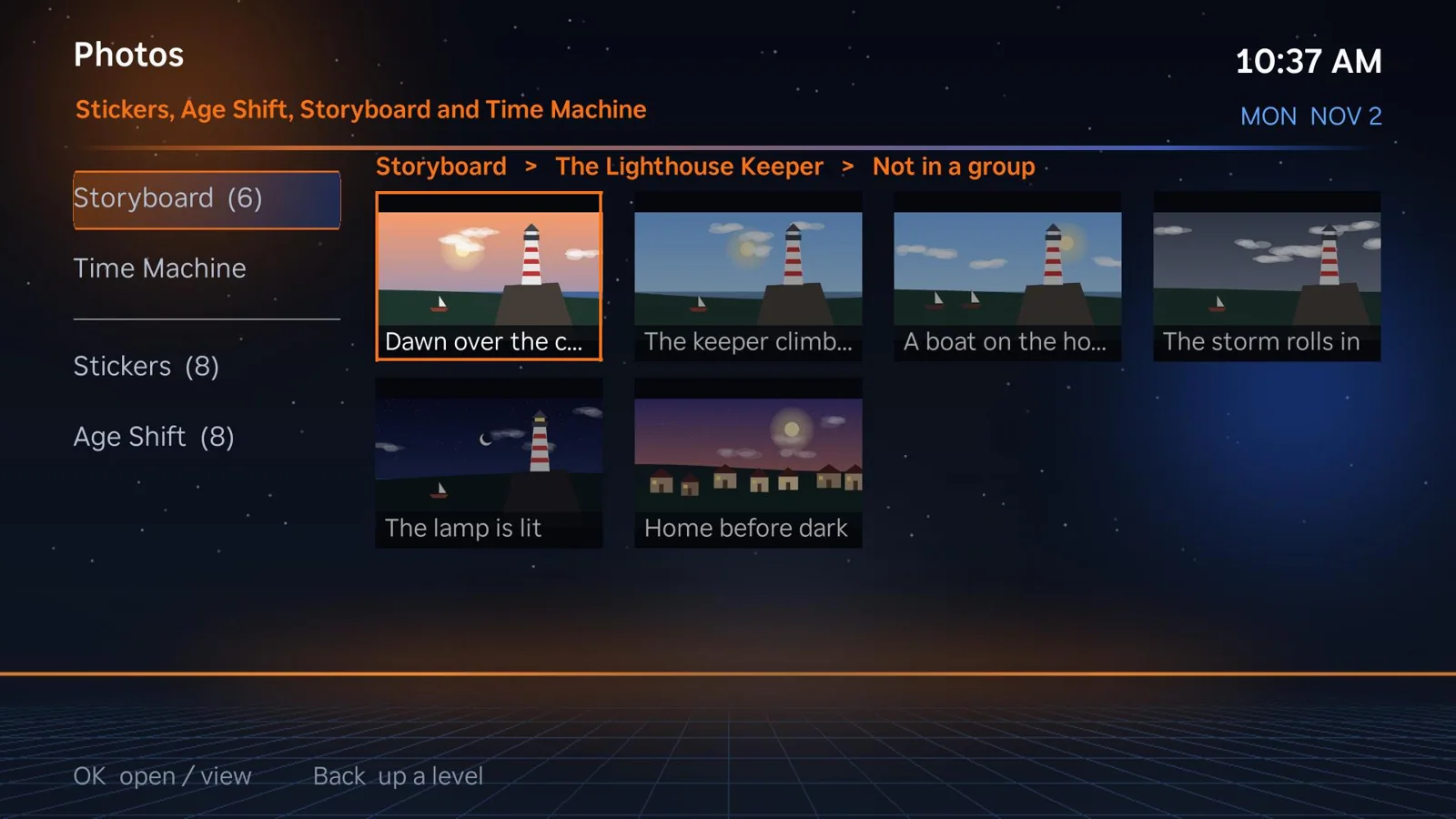
Browse family photos and creations, including photo transformations, from the TV rather than passing around a computer.
Explore feature →Play supported online video through a TV-first interface and maintain a list of your own audio/video streams.
Explore feature →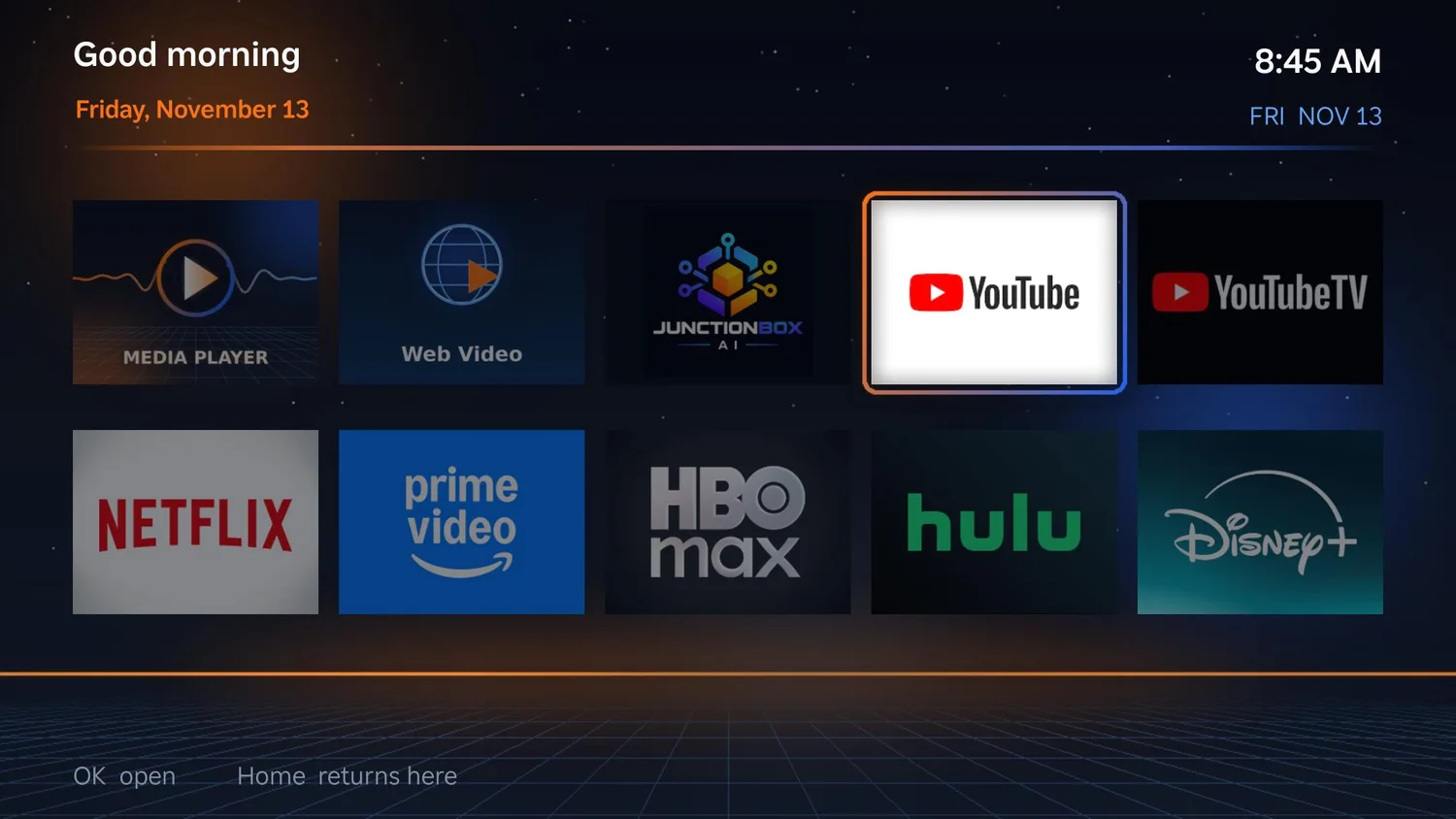
Pull up recipes, steps and cooking videos. Use a phone QR companion where another TV app cannot share the screen.
Explore feature →Make listening part of your home screen with a music section and audio playback.
Explore feature →Put your teams and upcoming games in reach, instead of searching multiple sports apps.
Explore feature →Put important reminders on television screens so your household sees them at the right time.
Explore feature →Use idle screen time to display selected photos and artwork instead of a blank TV.
Explore feature →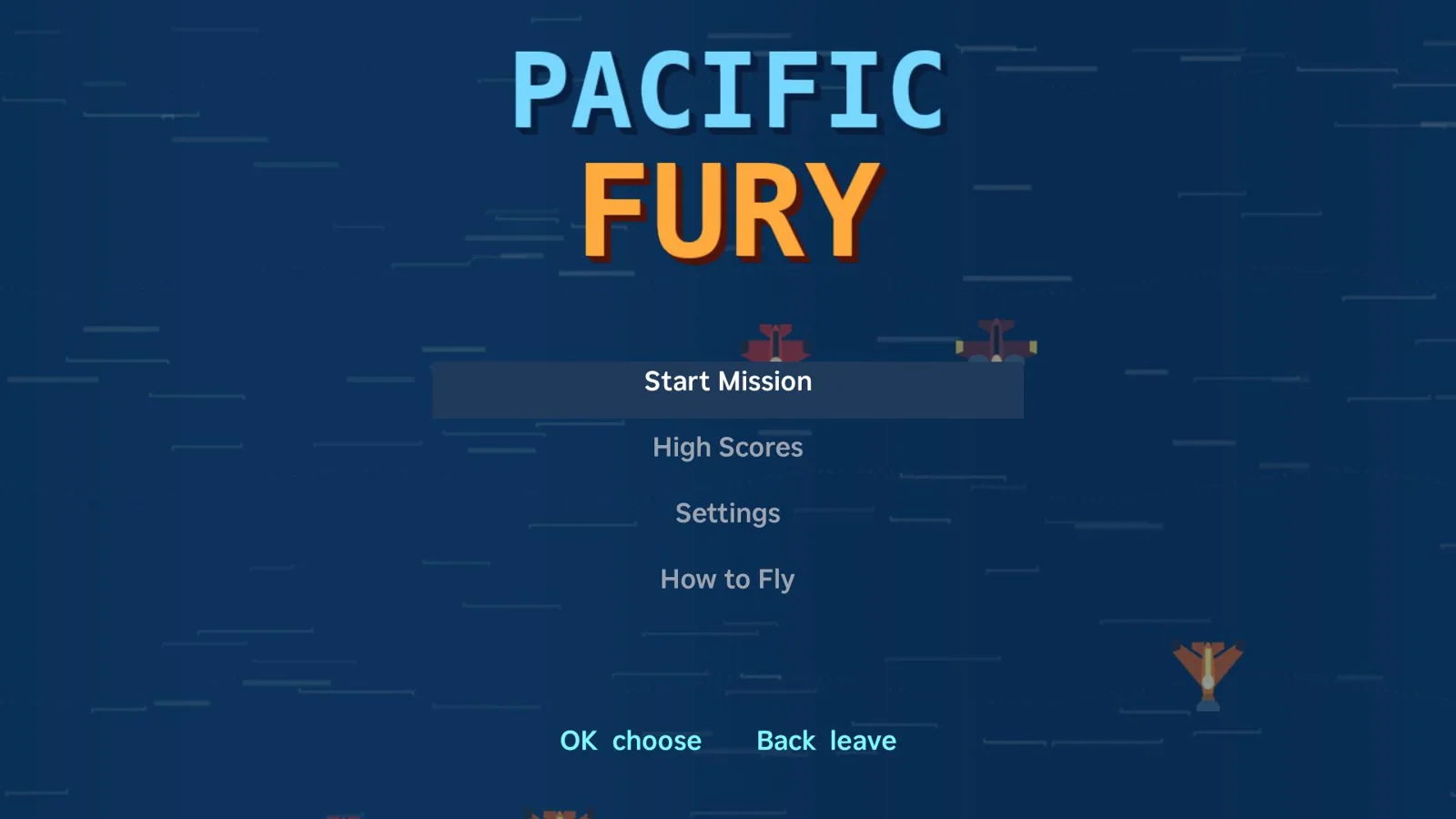
Play Tap Takeover, Stack Attack, Pacific Fury, and Junction John: The Lost Circuits, with arcade experiences inside the launcher.
Explore feature →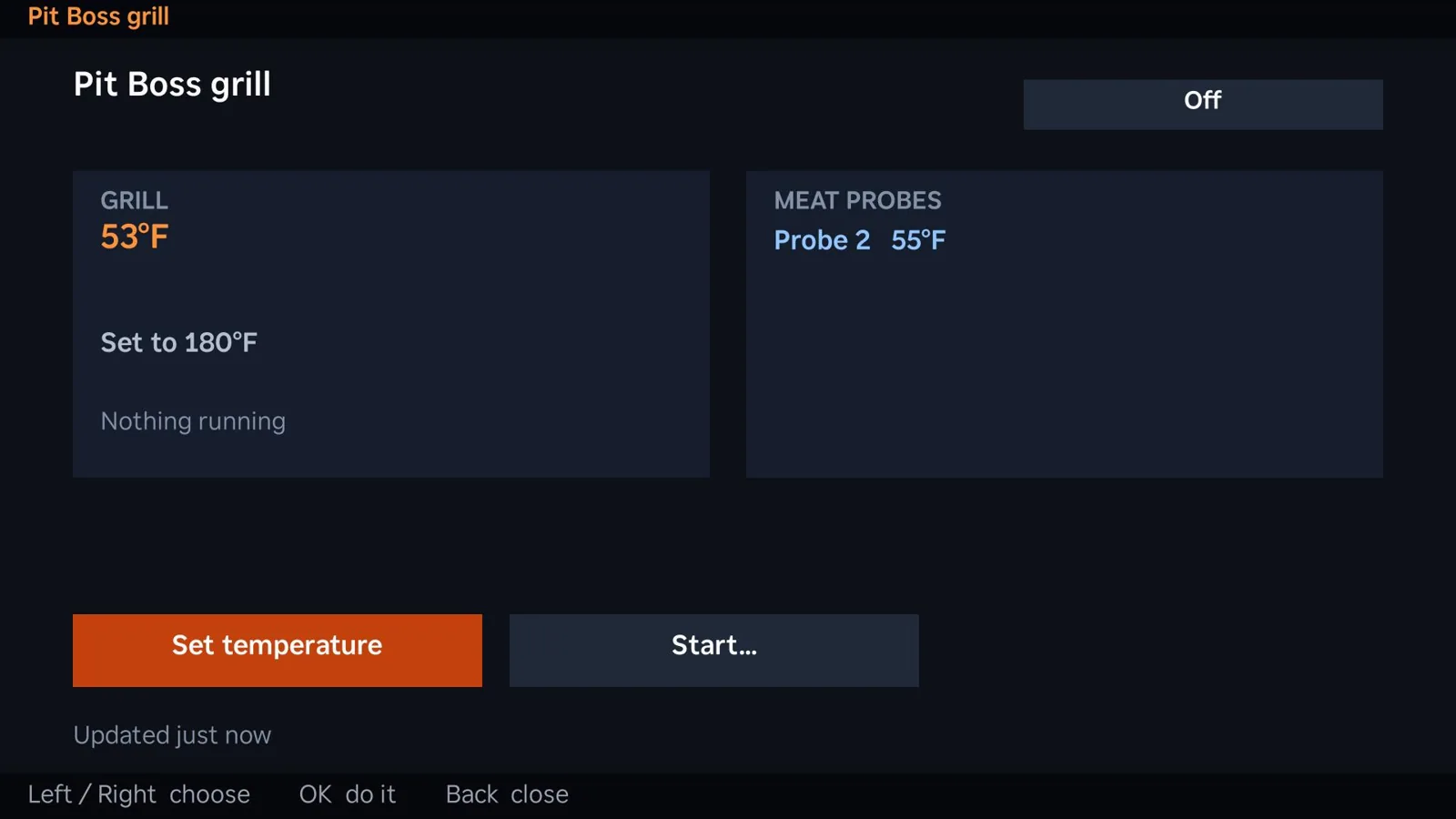
Check cooking status, grill and probe temperatures, receive alert screens and—after confirmation—send supported grill commands.
Explore feature →Review allowed JunctionBox settings from the television and optionally configure away access to the launcher bridge through Tailscale.
Explore feature →Add your Android tablet to the connected JunctionBox experience as a different surface for day-to-day control.
Explore feature →Use the free launcher for the media, books, weather, games, reminders and supported home experiences you enjoy. A full-access seven-day trial also lets you experience the Pro-gated AI tools before deciding whether to upgrade.
Install on Linux, macOS or Windows. Begin free with two active agents.
From Settings → Plugins, browse the official plugin ZIP, then set up the background bridge.
Use Roku developer mode or Android/Fire TV debugging to add your TV. Select your tiles and preferences.
Keep free launcher tools, and activate Pro if you want AI terminals, agent chats, and screen sharing.
Roku requires developer sideloading (one developer app slot). Google TV/Android TV installation requires device debugging. Fire TV requires Fire OS 7+; physical-device testing remains unconfirmed in the supplied documentation. The bridge computer must be running. Optional features may need companion plugins, accounts or tools.
Yes: there are Roku and Android-based launcher apps. Roku is sideloaded in developer mode. Google TV / Android TV uses an Android app. Fire TV support requires Fire OS 7+ and is built and tested against a stand-in, but has not yet been verified on physical Fire TV hardware.
No. According to the supplied launcher documentation, the launcher is free. Each JunctionBox install starts with seven days of full access; after that, the core TV functions remain free. AI terminals, JunctionBox agent chats, box shells and screen sharing require JunctionBox Pro ($49/year). Some optional integrations have their own requirements.
On supported Google TV devices, it can be configured as the Home screen. Roku returns to the launcher after other apps close using its bridge. Fire TV cannot assign a third-party Home app; the bridge watches for Amazon Home and reopens JunctionBox. Behavior varies by device and firmware.
No. The TV app talks to a background bridge on your Linux, macOS or Windows JunctionBox machine. That computer must stay available for bridge-backed features.
Yes. Apps, books, game schedules, reminders, morning briefing, cameras and recipes are among the free launcher experiences documented. Advanced TV agent and remote-computer access is a Pro capability.
Start with JunctionBox Core, add the free Smart TV Launcher plugin, and turn on the experiences that matter to your household.