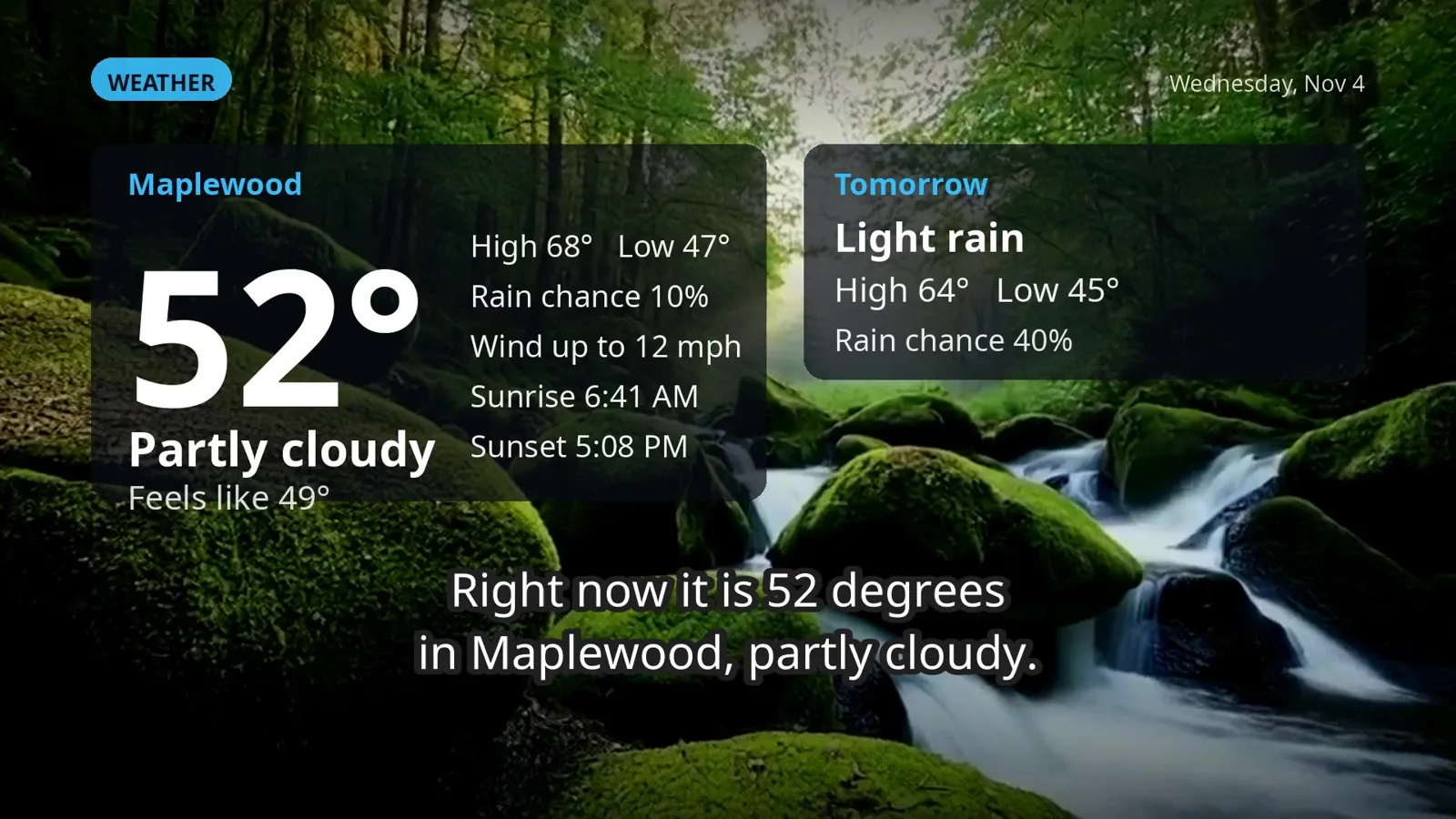
 Personalized Morning Briefing
 Claude, Codex & Grok from your TV

Four real Roku games
The problem: Your TV sits idle between streaming apps.
What JunctionBox does: Play original arcade games with family leaderboards.
Explore →
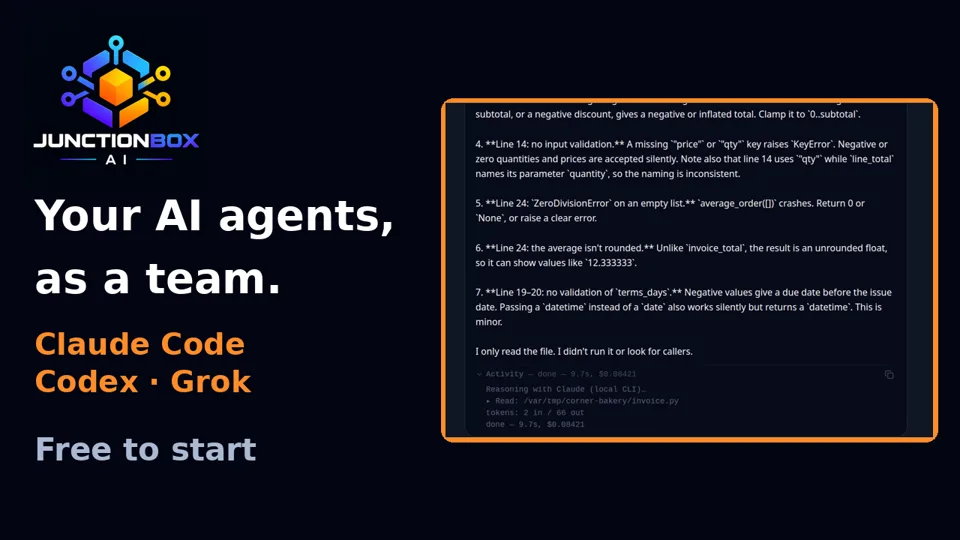
Stop switching between isolated AI chats. Put your models, agents, remote machines and automations in one visible workspace. Start using JunctionBox Core with two active agents for $0, then upgrade when you need more.
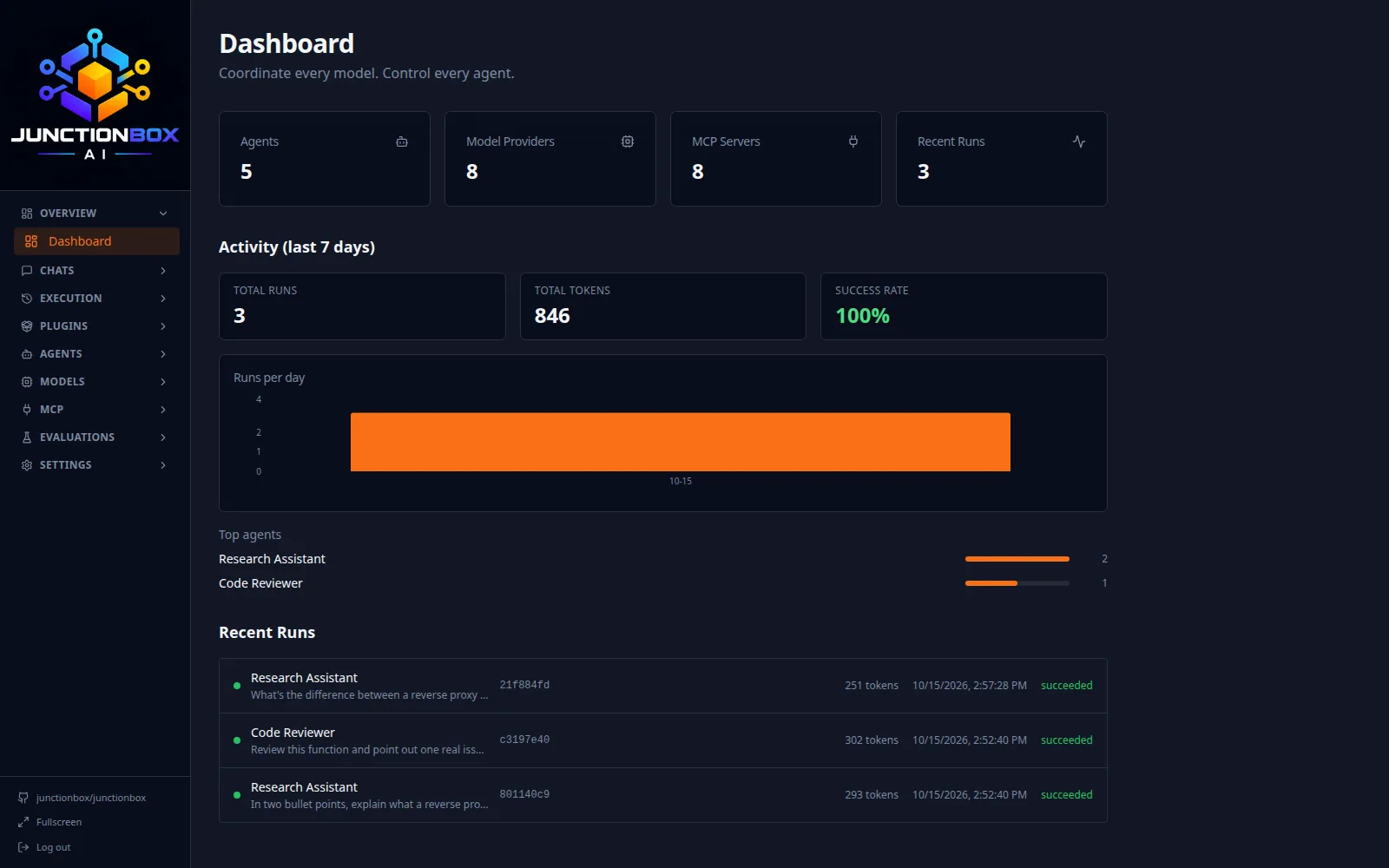
Install JunctionBox Core for free, connect a supported model or provider, and put two active agents to work. See how they compare, use tools, and collaborate before deciding whether you need unlimited agents.
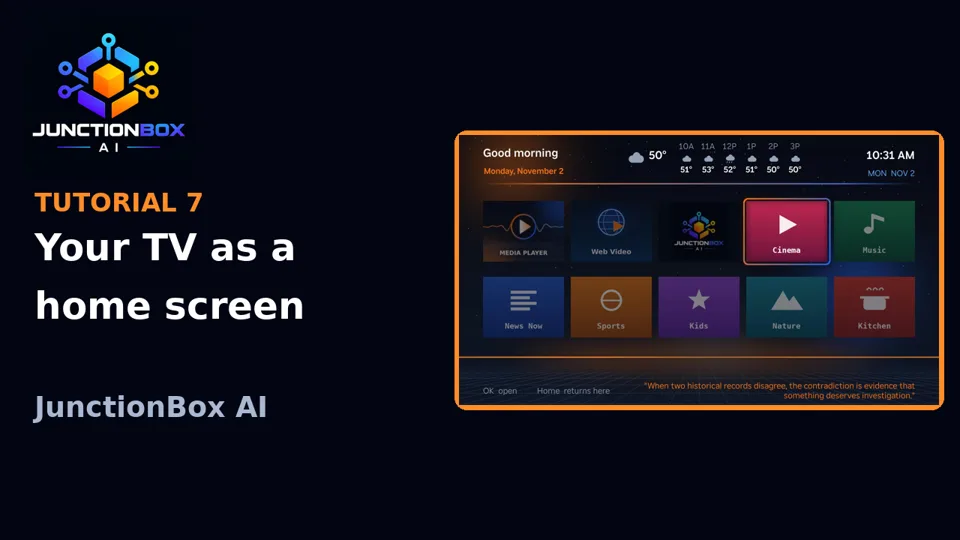
Using external model APIs or subscriptions may incur separate provider charges. Optional plugins and Smart TV features may have their own licensing.More than a replacement home screen: choose your TV apps, see the weather, watch a narrated Morning Briefing, control your lights and Ring cameras, run remote AI agents, read books, listen to music and play four original Roku games.
Explore all 22 TV capabilities →Smart TV Launcher is free. The seven-day full-access trial includes Pro-gated AI, terminal and screen-sharing tools; those require JunctionBox Core Pro at $49/year afterward. Fire TV support is not yet validated on physical hardware.
JunctionBox includes Plugin Builder so creators and developers can scaffold custom plugins instead of being limited to the integrations someone else ships.
The problem: Your TV sits idle between streaming apps.
What JunctionBox does: Play original arcade games with family leaderboards.
Explore →
The problem: Your tablet is separate from the rest of your home.
What JunctionBox does: Extend the launcher ecosystem to Android tablets.
Explore →
The problem: Calendars and sports schedules get missed.
What JunctionBox does: See upcoming games and get on-screen reminders.
Explore →
The problem: Your own audio and art stay hidden.
What JunctionBox does: Play music and display art on an existing TV.
Explore →
The problem: Technical research tools are disconnected.
What JunctionBox does: Organize device analysis and investigate image provenance.
Explore →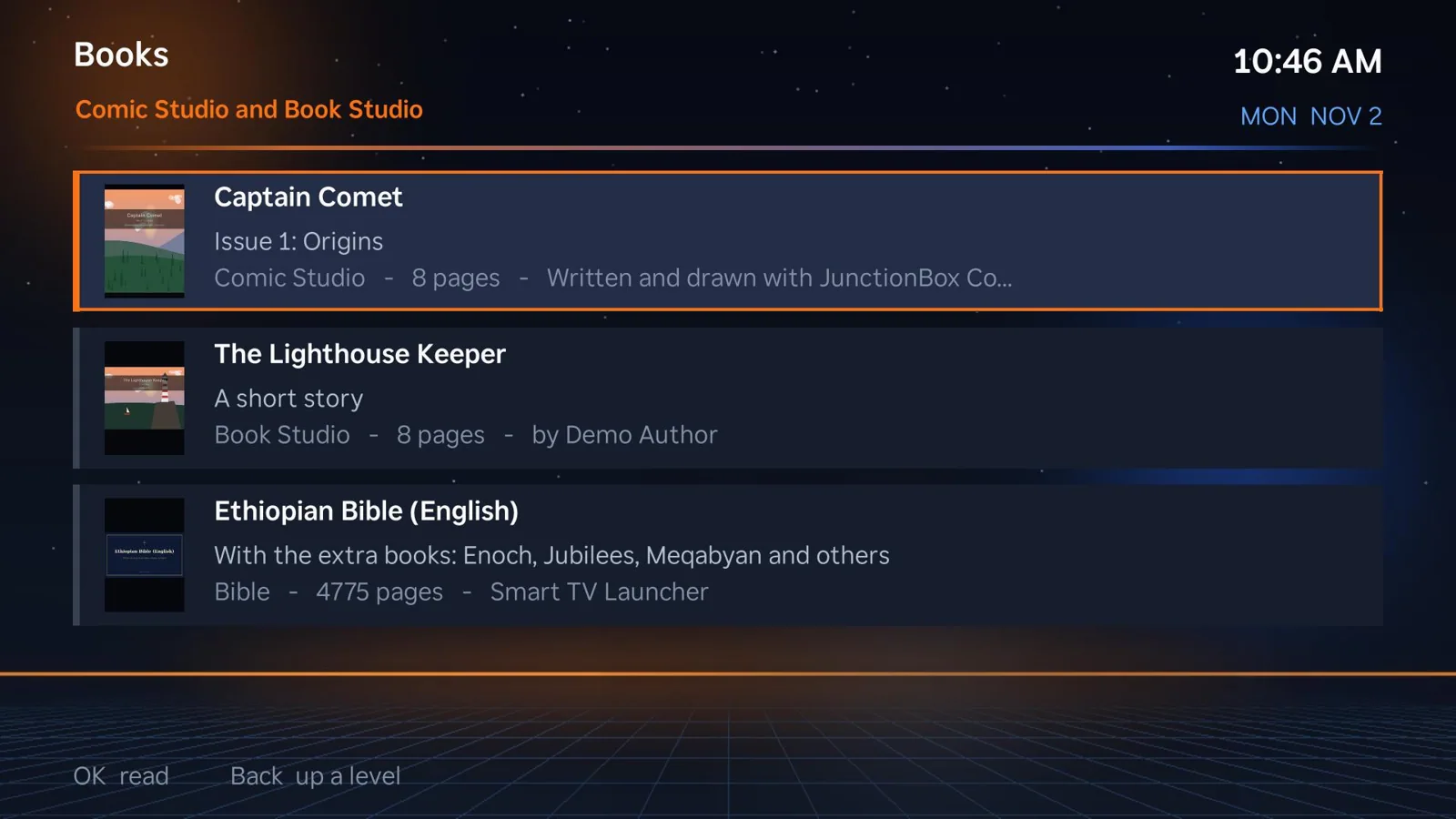
The problem: Creative work disappears into separate apps.
What JunctionBox does: Make media in optional studios and enjoy it on TV.
Explore →It is easy to collect AI subscriptions, tools, and scripts. It is much harder to make them work together reliably.
Switching models, terminals, and apps interrupts work. JunctionBox connects the parts in one workspace.
When a background agent fails, you need answers. JunctionBox records runs, tasks and outcomes.
Useful information and controls are scattered across screens. The optional TV experience brings them home.
Every capability has a purpose, from coordinating complex engineering tasks to simplifying the daily routine.
Complex work needs coordinated specialists—not endless copy and paste.
Explore solution →PlatformOne vendor should not dictate how you solve every problem.
Explore solution →PlatformRoutine work should happen without someone babysitting a chat window.
Explore solution →MachinesStop walking between machines to finish one task.
Explore solution →Smart TVBring useful home tools, media and AI onto the biggest screen in the house.
Explore solution →Smart TVReplace five morning app checks with one personal briefing.
Explore solution →Let specialized agents collaborate inside defined team and permission boundaries. Track delegation, retries, and outcomes while the work is happening.
See orchestration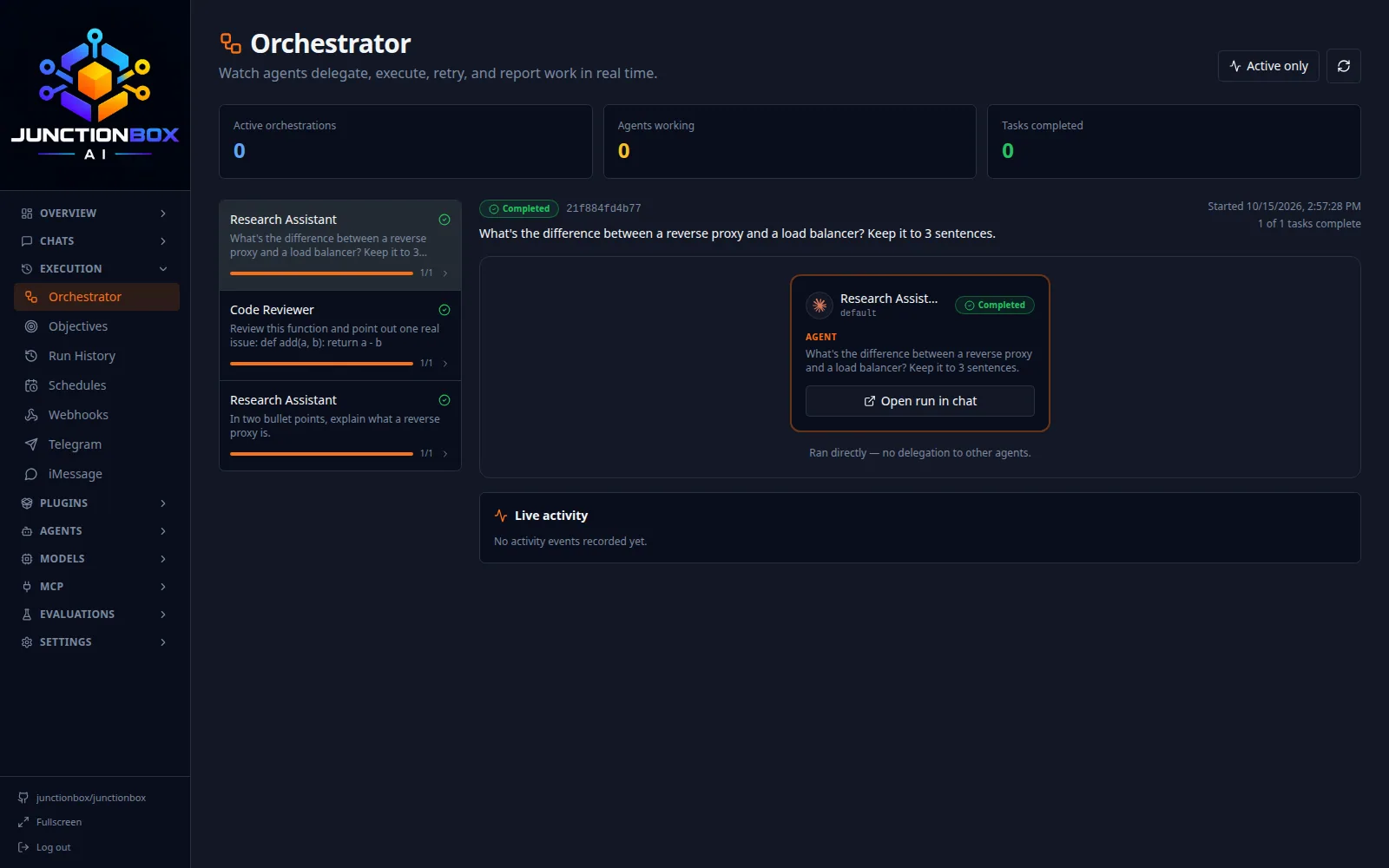
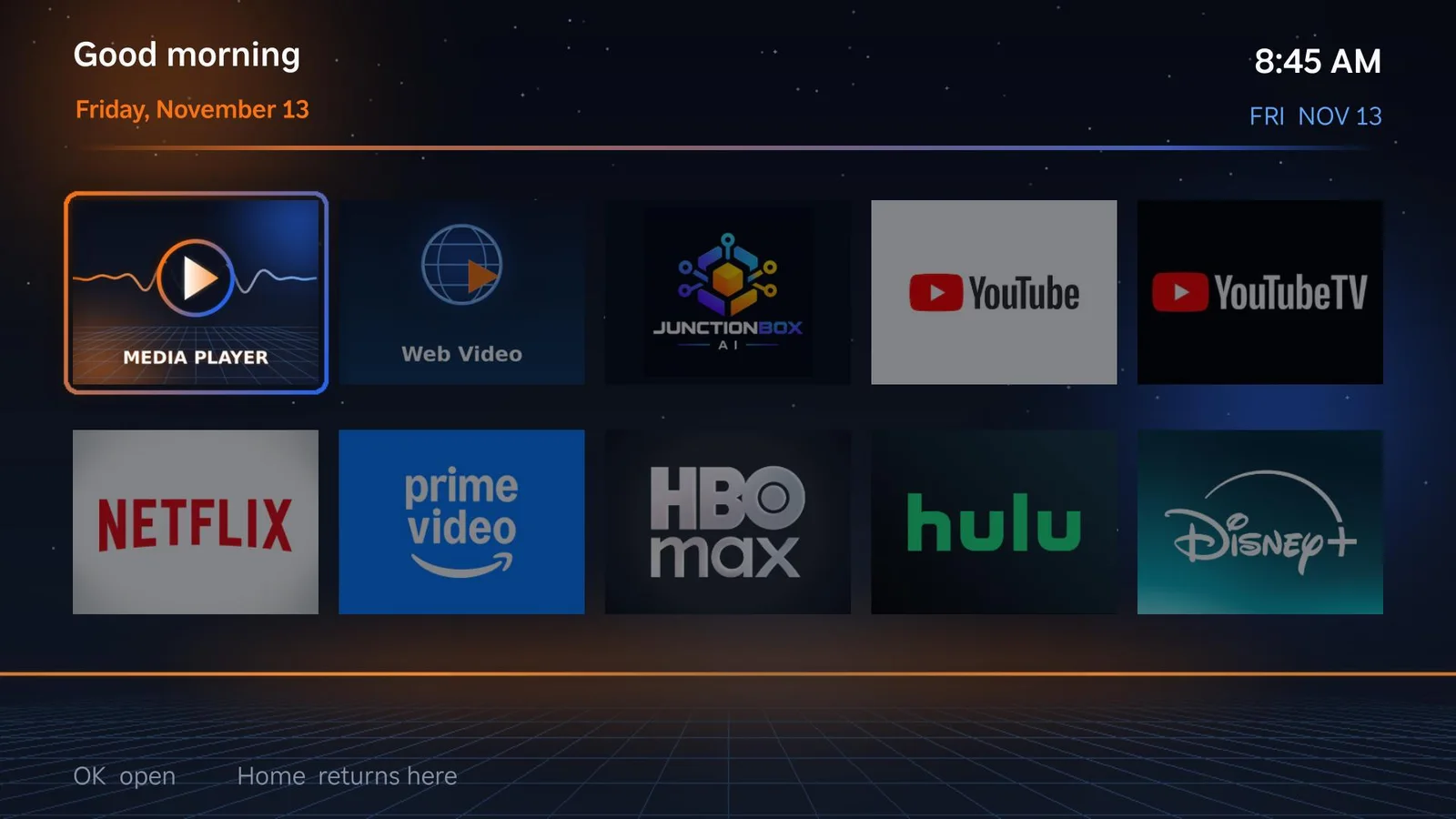
JunctionBox Smart TV Launcher brings connected home controls, cameras, personal media, books, games and narrated morning briefings onto a TV-friendly home screen.
Explore Smart TV LauncherStart with a local-first workspace on a supported desktop operating system.
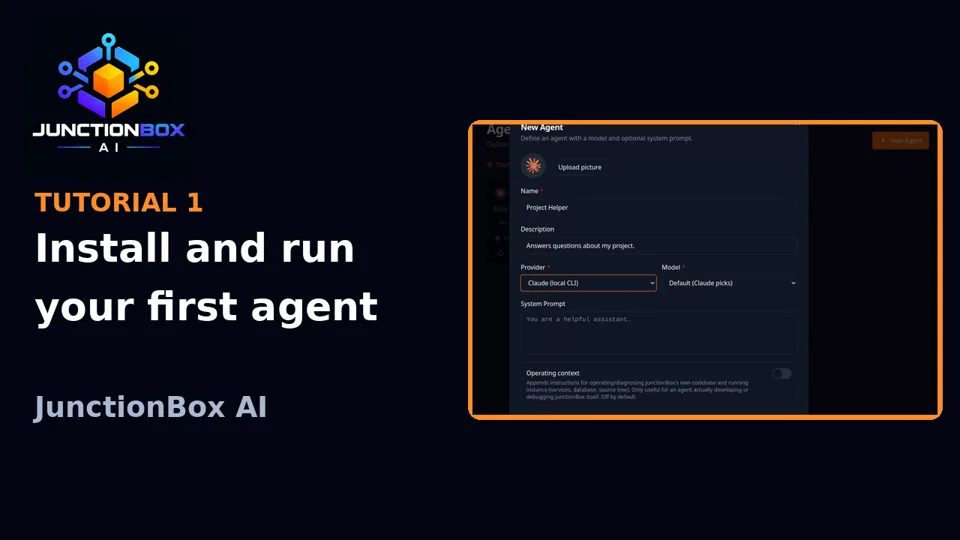
Add a model, define an agent, connect tools or register a machine.
Chat, compare, delegate or schedule work—and inspect the results.
See the real app, step by step, from your first agent to your TV.
No Core Pro purchase required to discover how JunctionBox brings your AI work together. Start free, then expand to unlimited active agents when you are ready.